

Unfold and be amazed
Give your best photos the spotlight
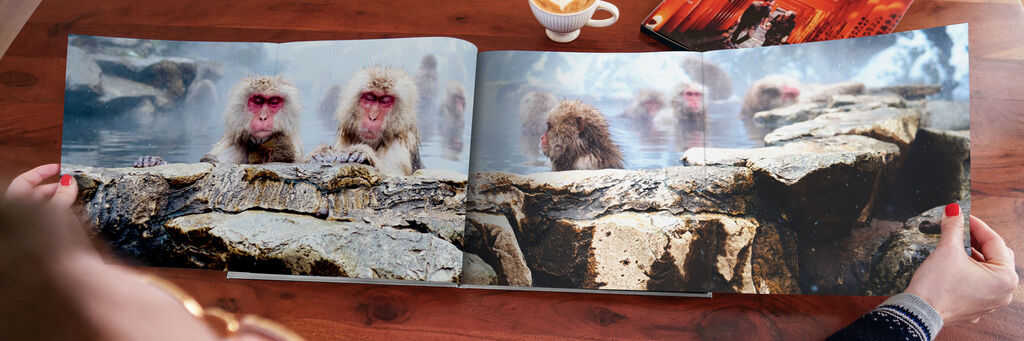
Add a panoramic page to your XL photo book in just a few steps
Highlight your most beautiful landscapes and dream destinations with the panoramic page. See how you can quickly and easily add it to your photo book using the step-by-step guide below. In just a few minutes, you'll create a stunning feature you'll be proud to show off.
Step by step
Steps to create a true wow factor in your photo book
Open the software
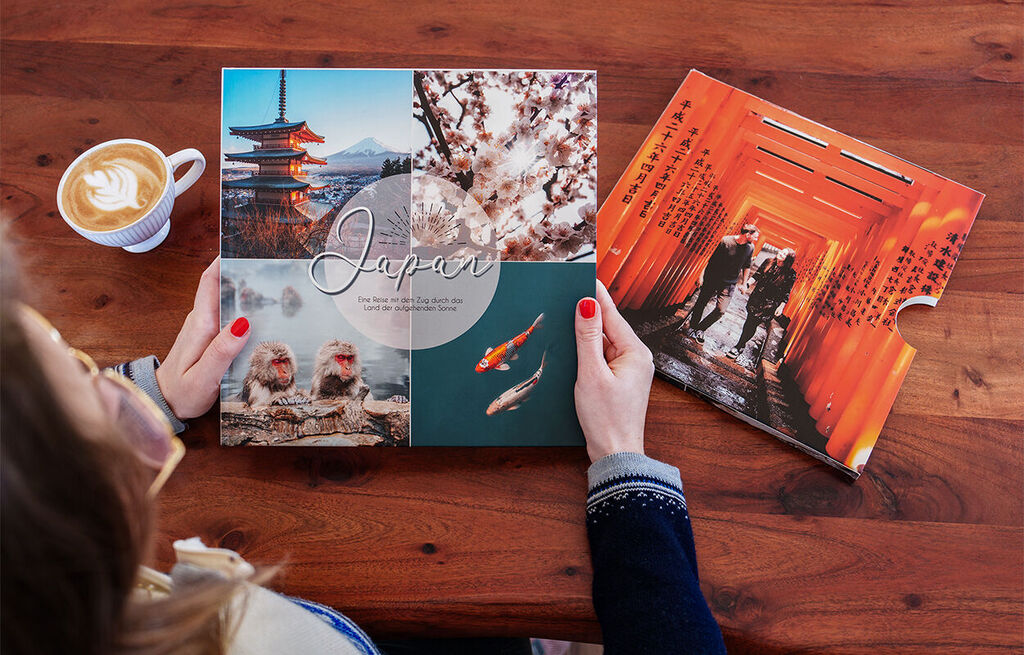
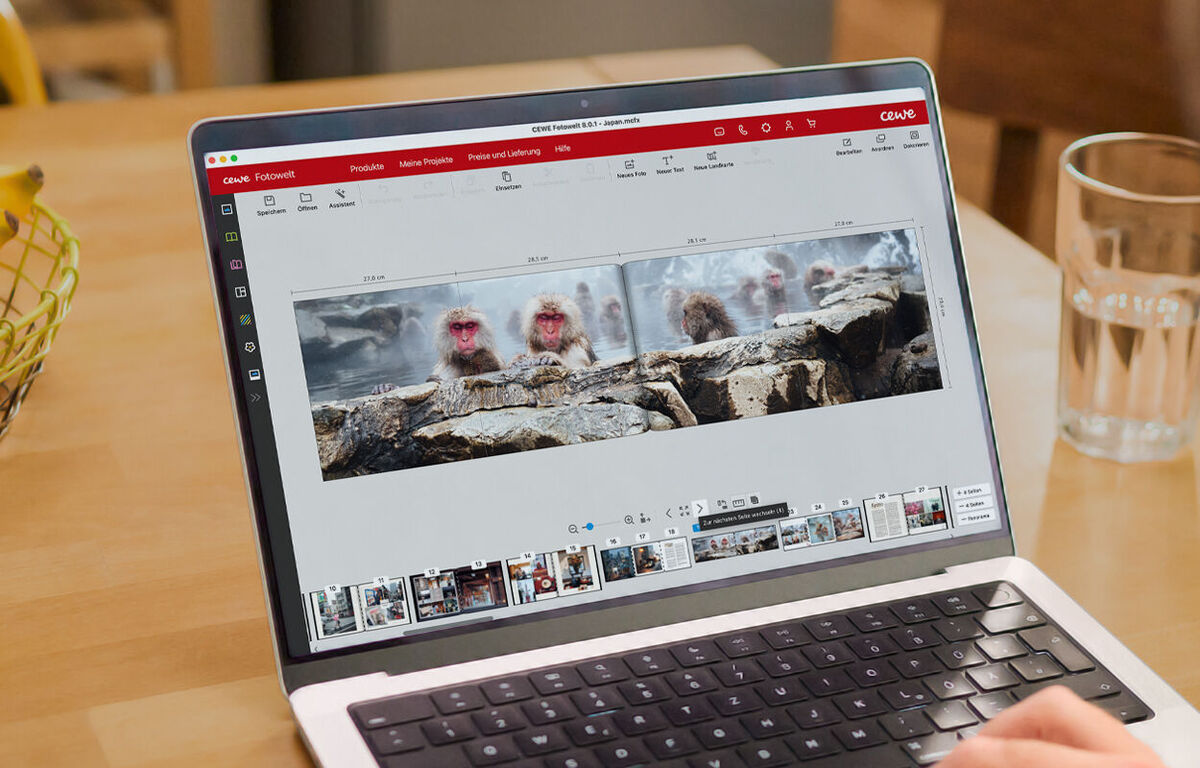
Open the CEWE design software, and click on the menu item CEWE PHOTOBOOK. Choose the XL photo book with semi-gloss paper and a hardcover.
Minimum 34 pages
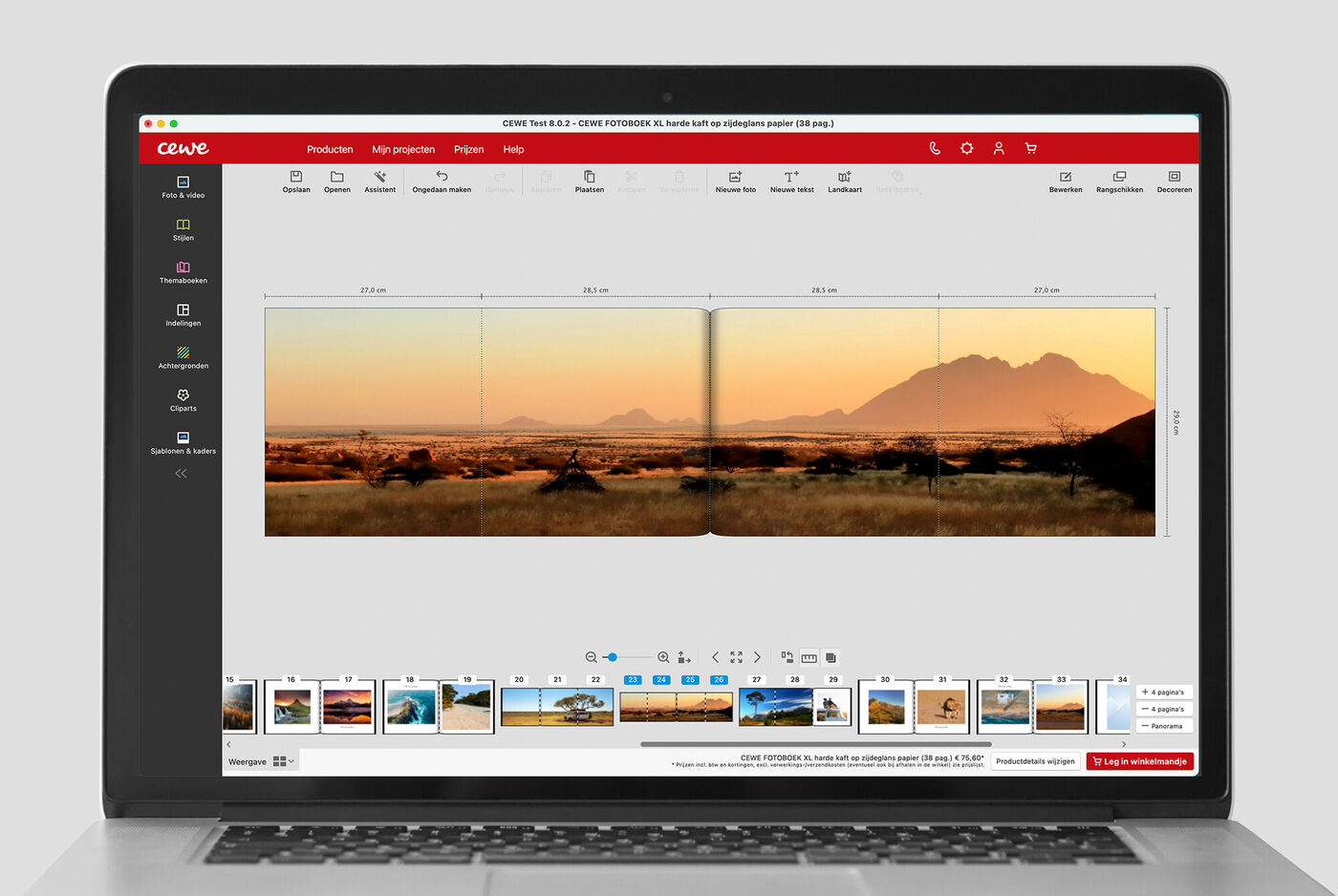
In the design interface, increase the page count to at least 34. This will enable the panorama function.
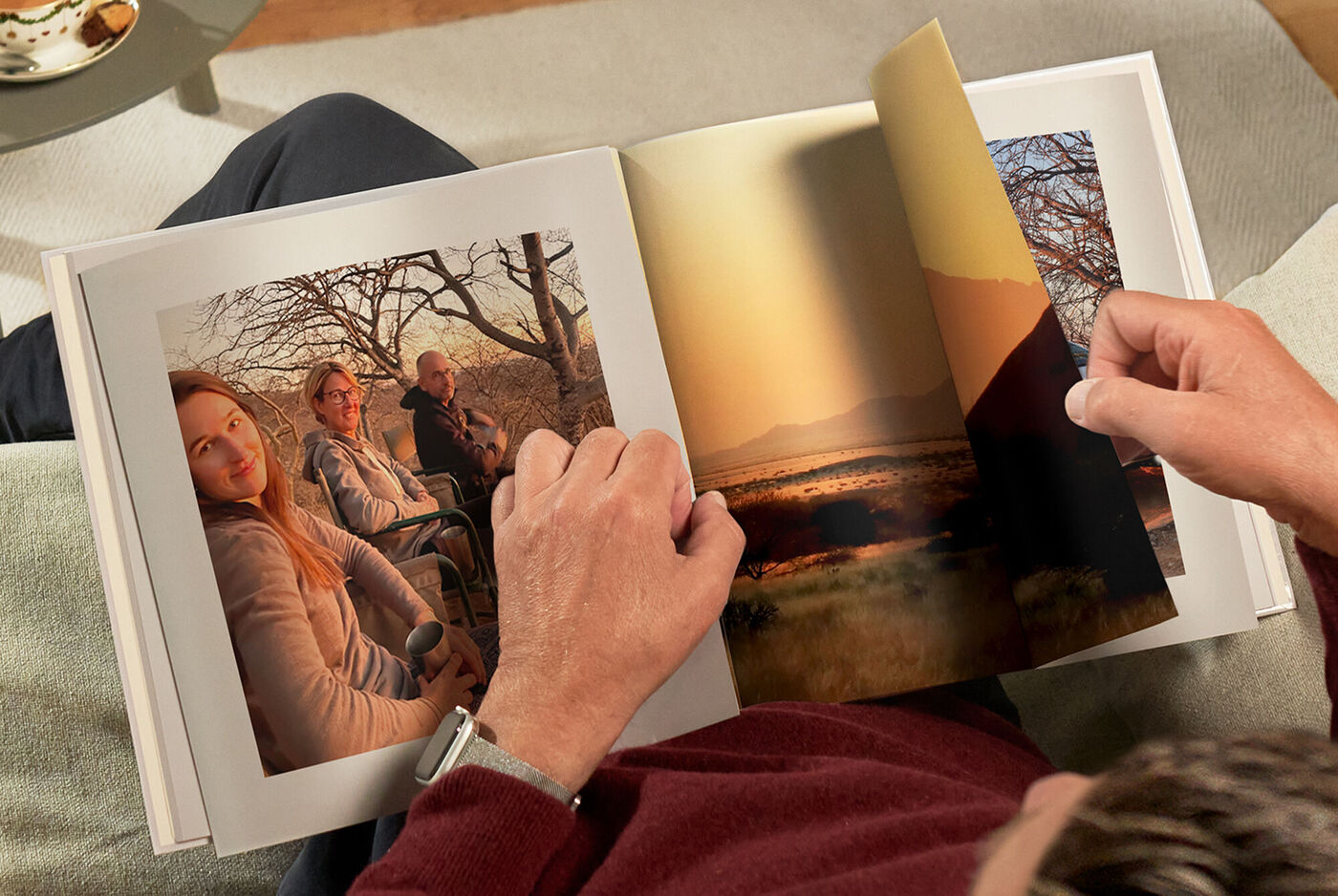
One panoramic page per photobook
Click on the double page you want to expand. Then click the button at the bottom right of the interface.
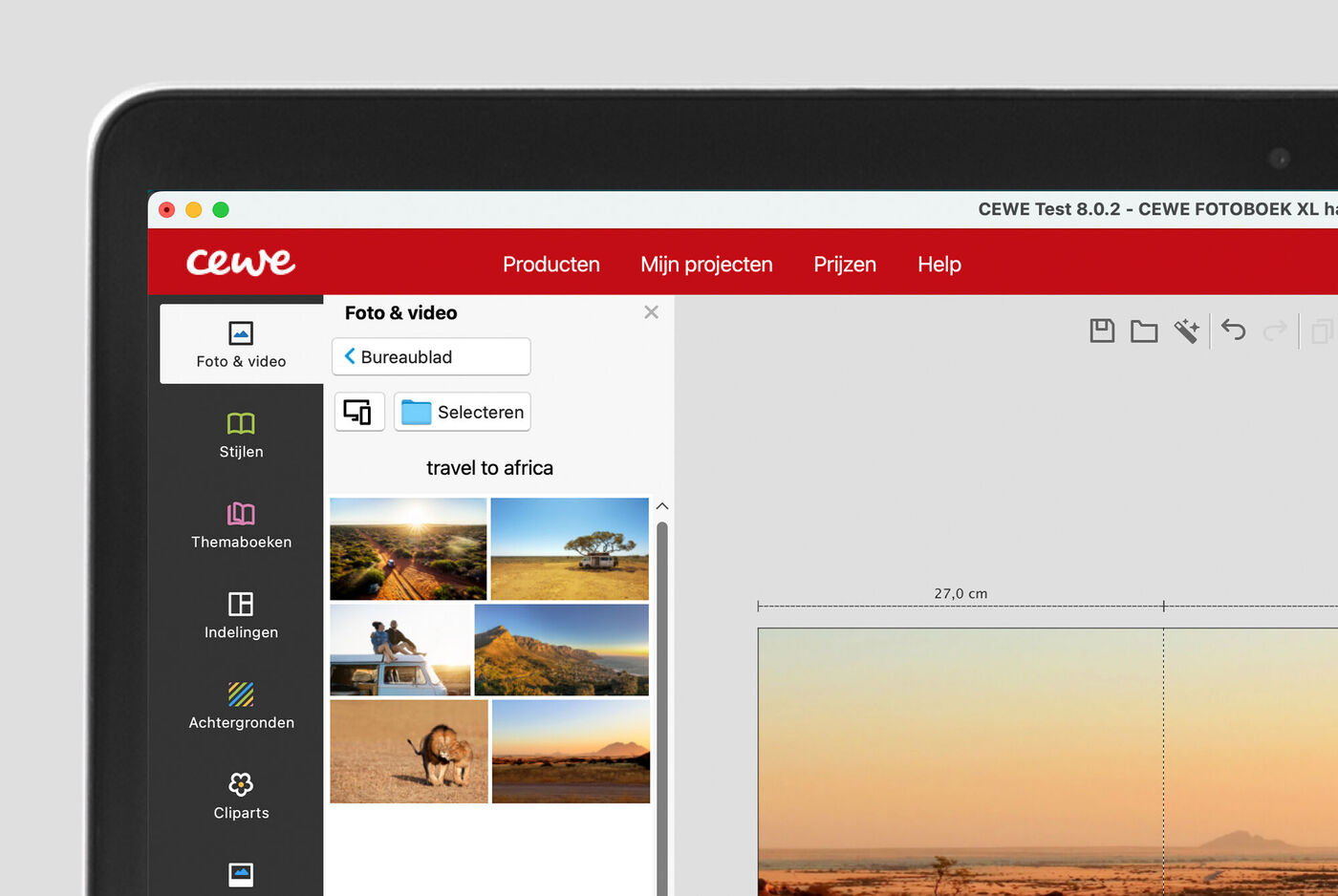
Adding photos
Drag your chosen photo(s) into the photo area, and ensure they’re well aligned.
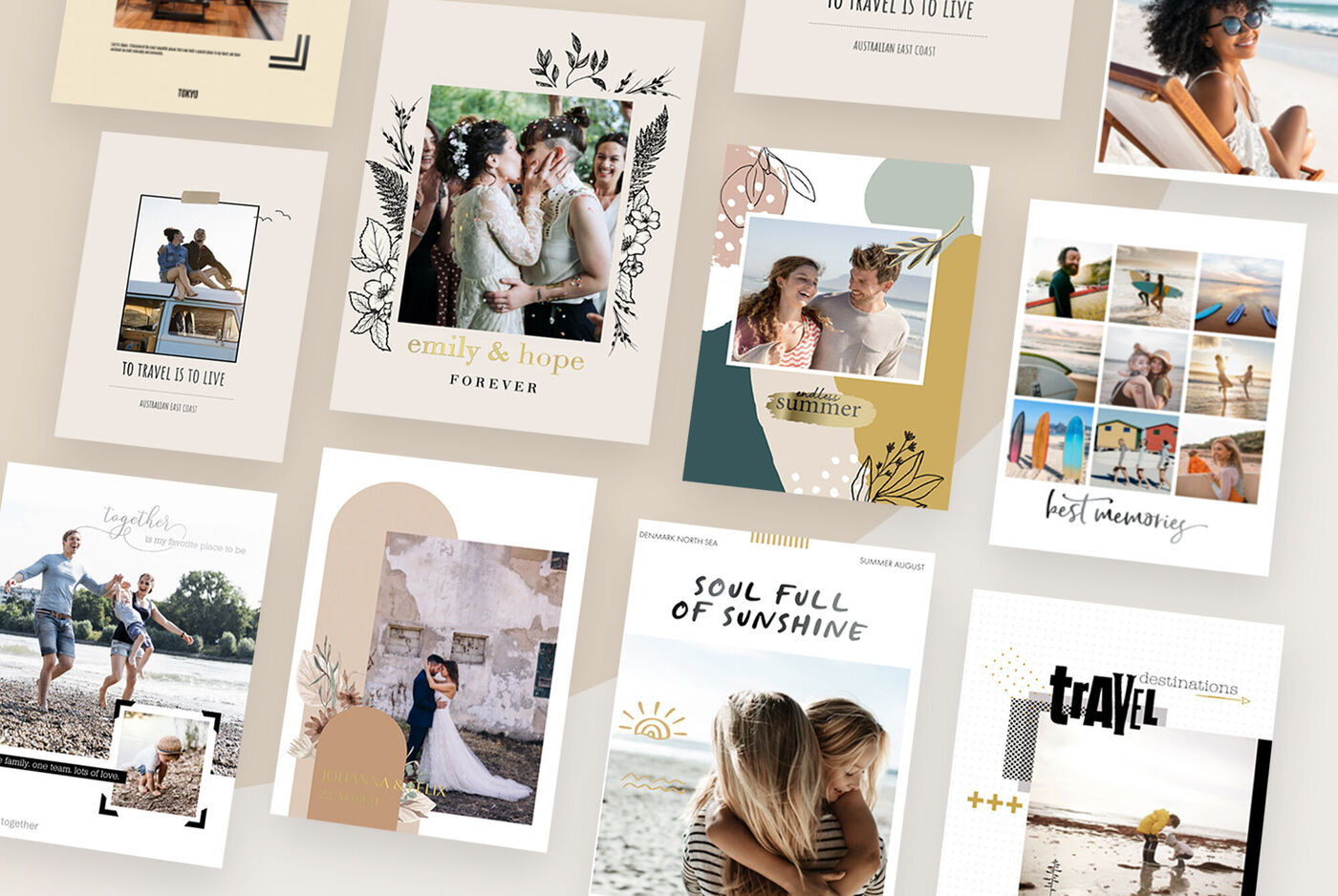
Design ideas for the inner pages
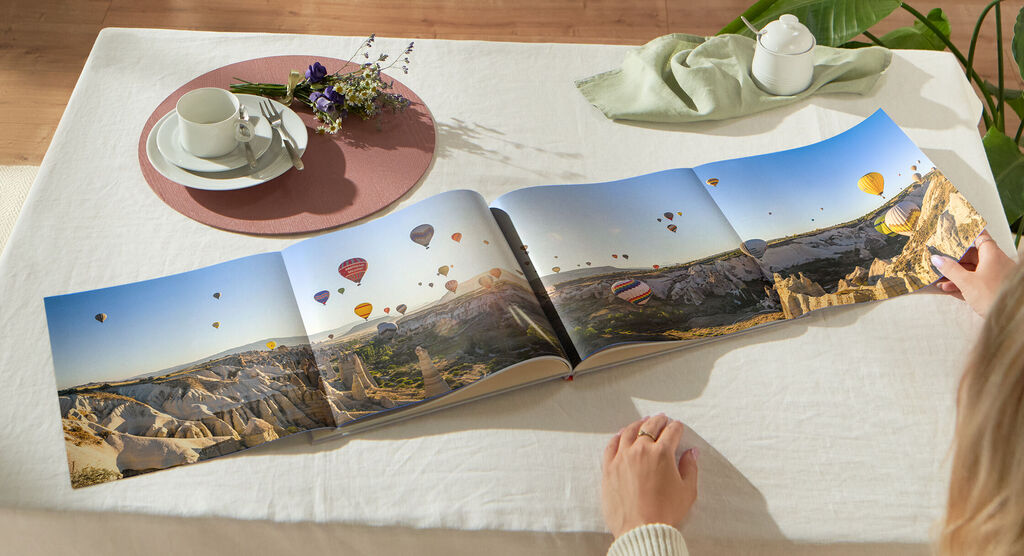
There’s more to enjoy
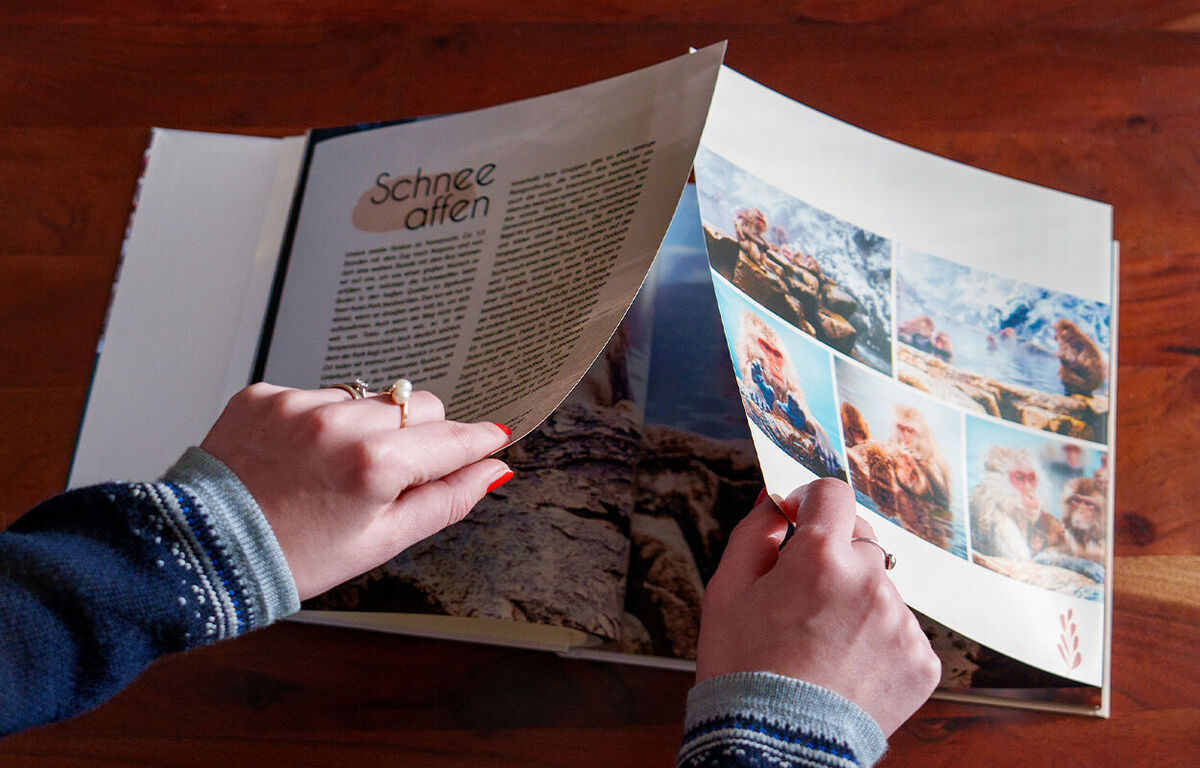
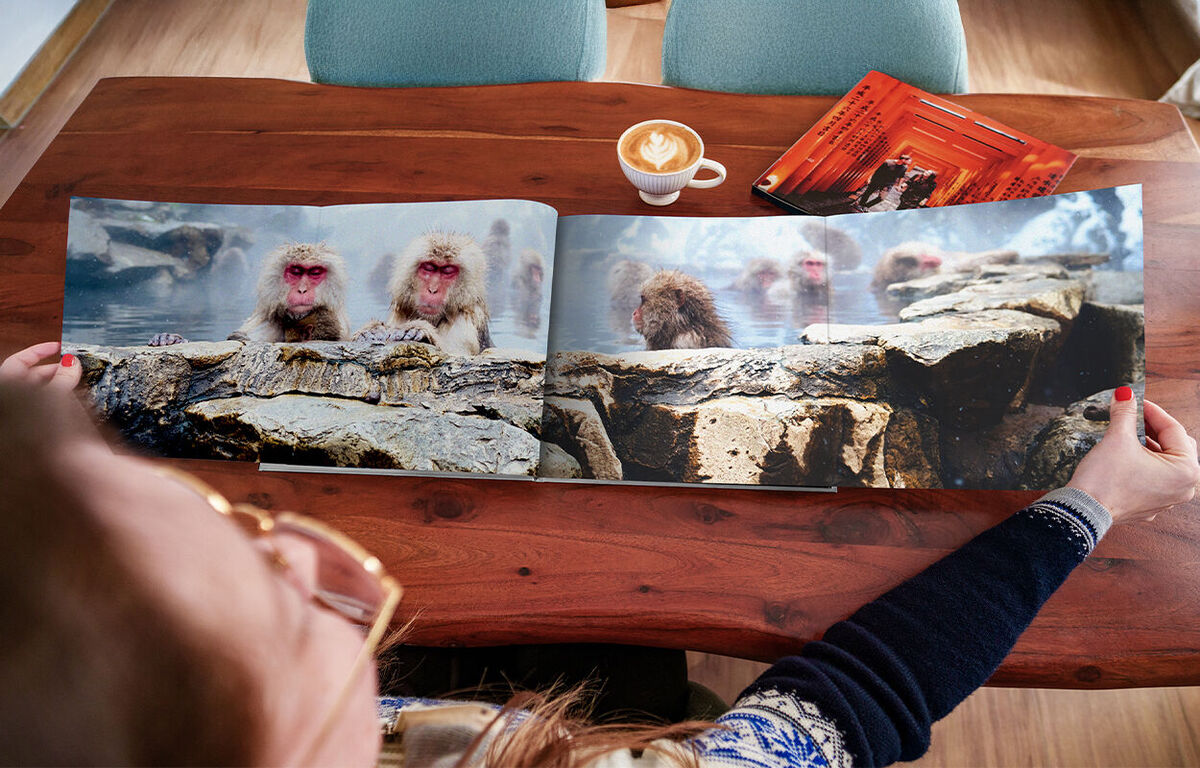
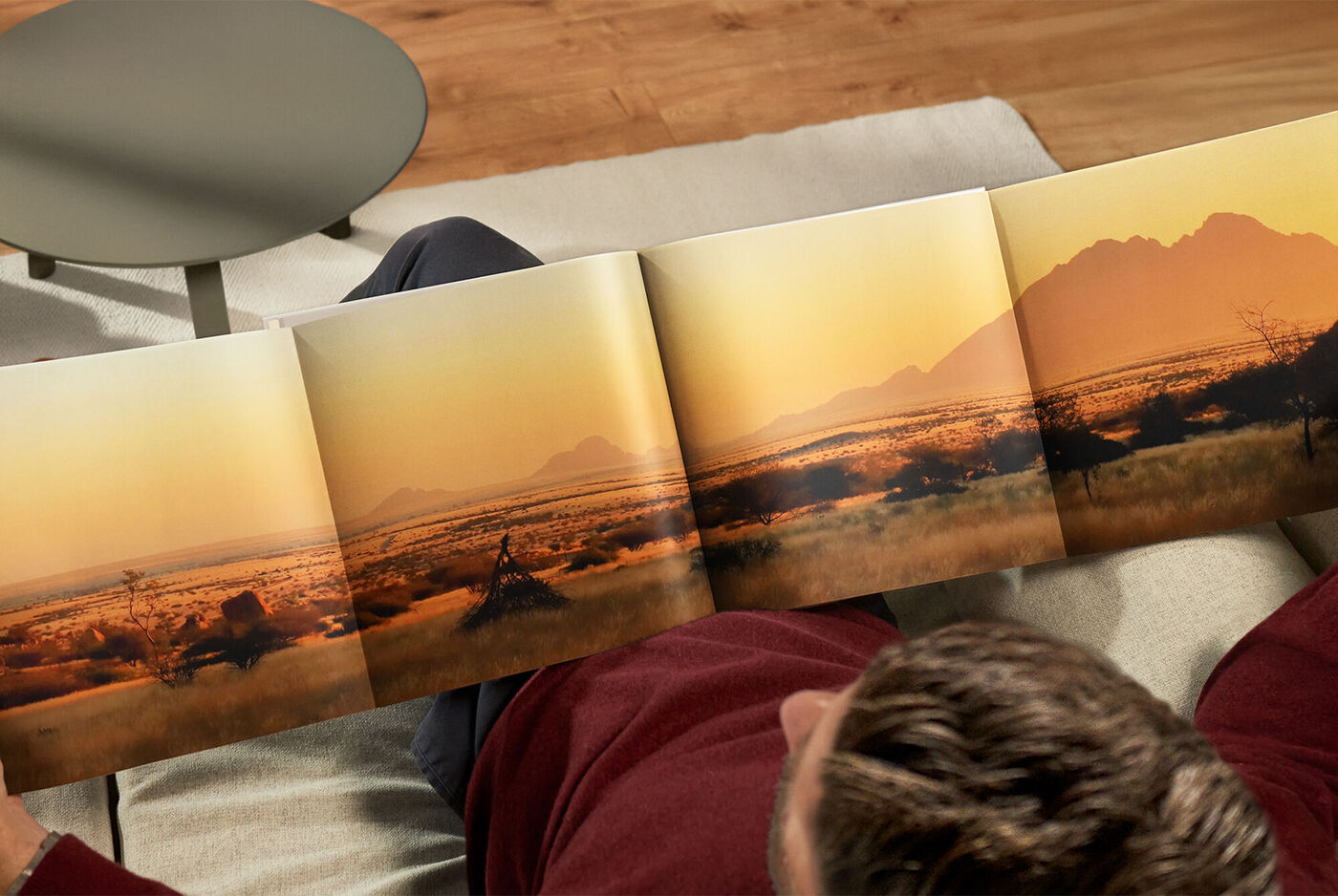
With panoramic pages that fold out for an extra-wide view, your CEWE PHOTOBOOK has even more possibilities to offer. When open, the layout extends to over one metre, giving you plenty of space to display your biggest moments. Whether you choose to design each page individually or combine them into one seamless feature page, this flexible layout lets you present your special memories in a way that feels truly unique.
Options and finishes for a unique CEWE PHOTO BOOK
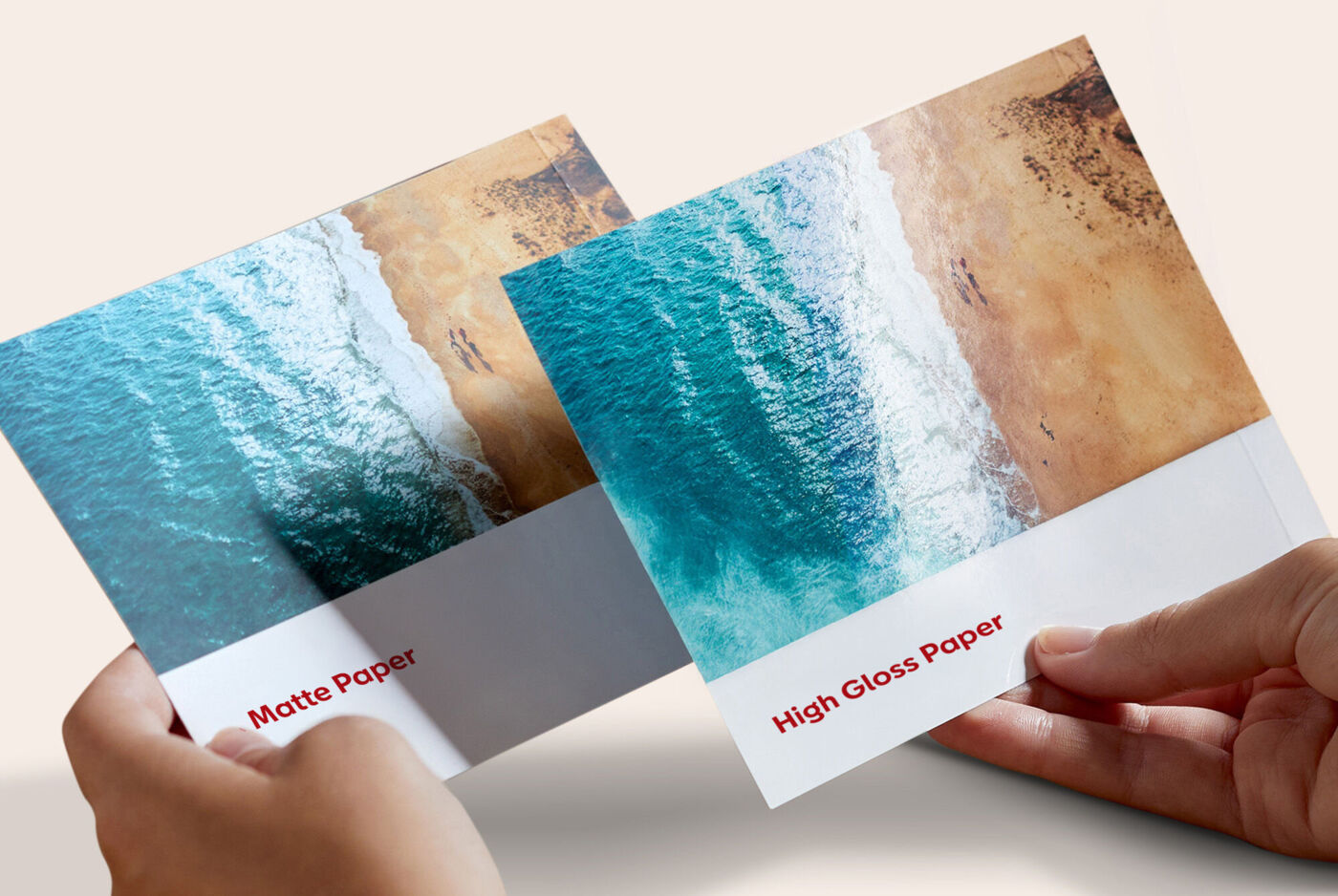
Types of paper
Create your CEWE PHOTO BOOK using the paper type that best suits your photos and style.
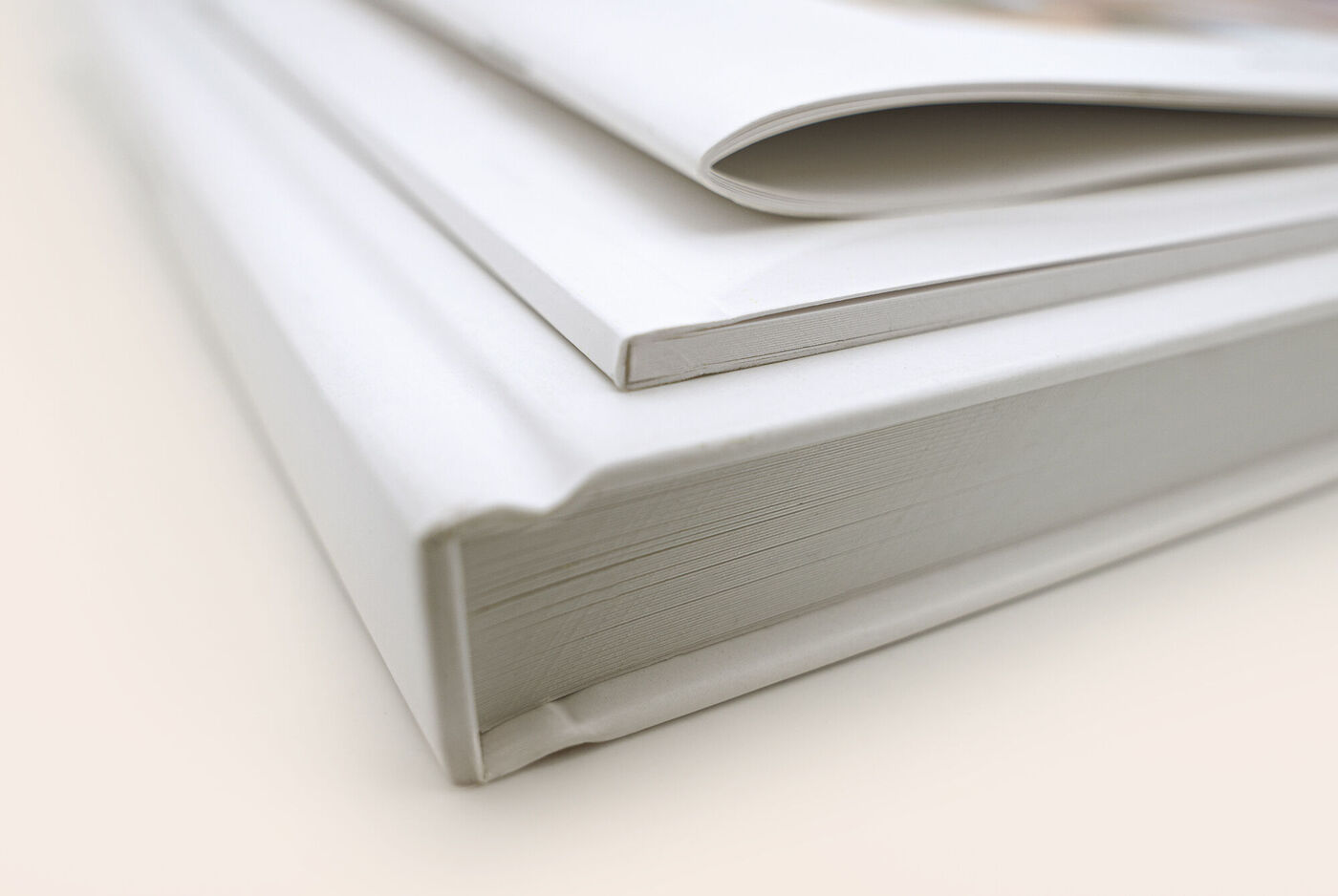
Cover types
Choose a softcover, hardcover, or notebook-style cover to give your CEWE PHOTO BOOK a unique look.
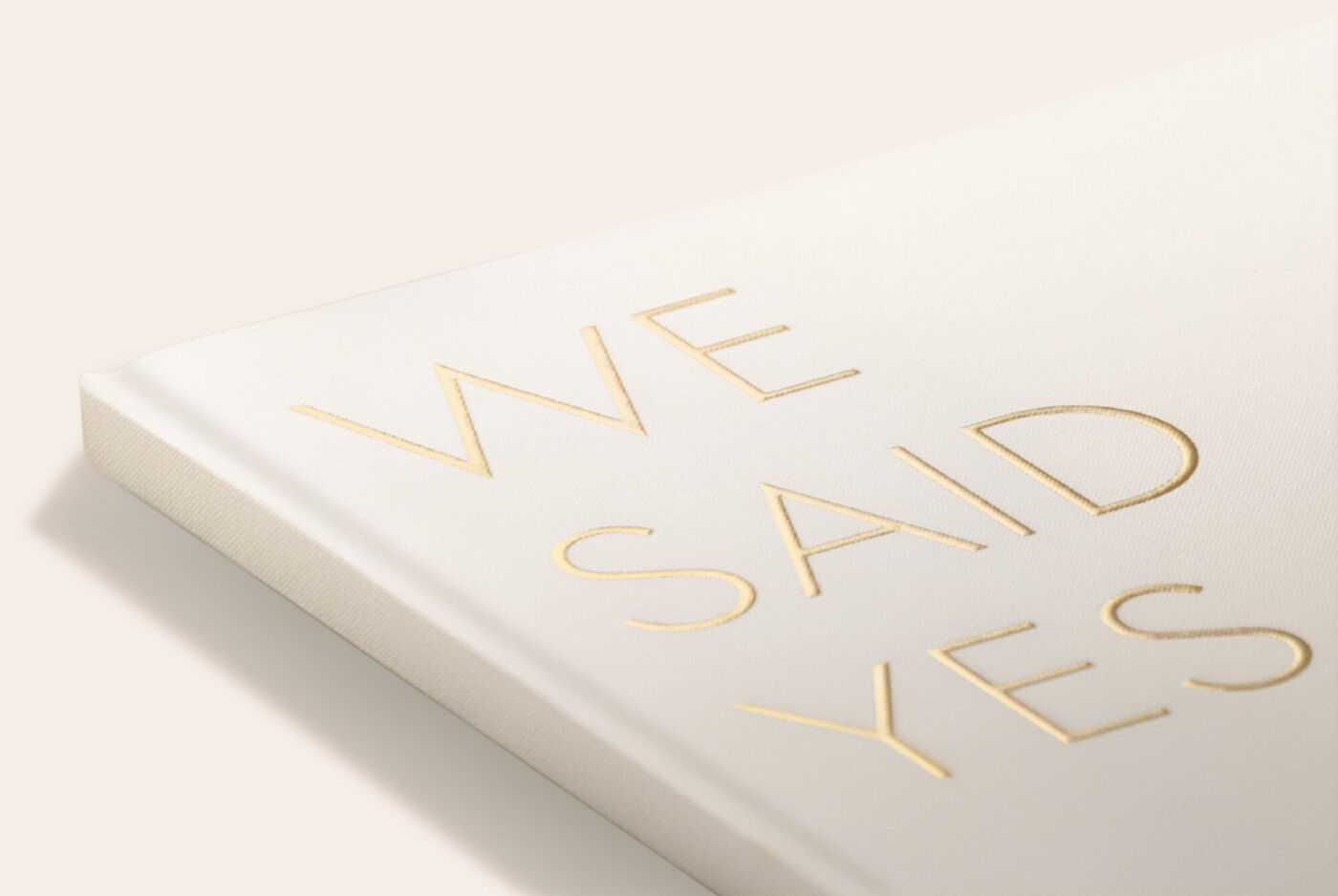
Additional options
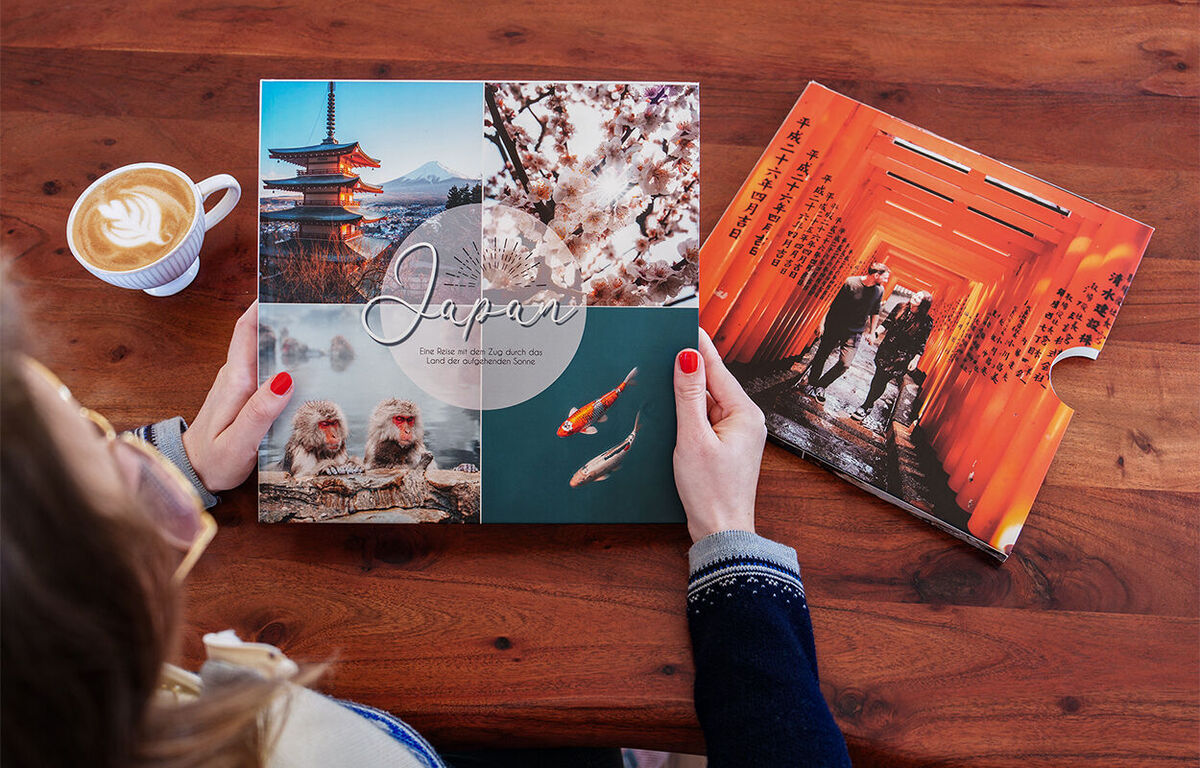
Highlights, Memento Pockets, a coloured inside cover, and many other options that will turn your photo book into a true keepsake.
Off to a quick start
Let the photobook assistant do the legwork and choose from a wide selection of themed books. Here's how to create a complete photo book in just a few steps.