

CEWE App
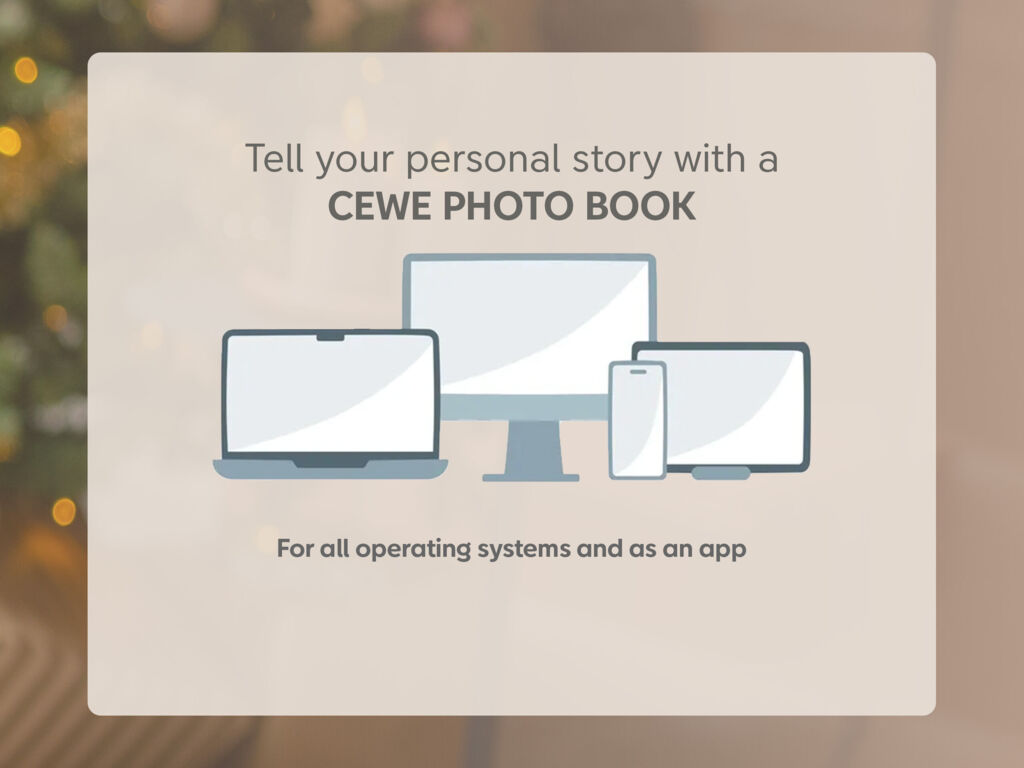
Download the CEWE App for a quick and easy way to design and order photo products using your mobile or tablet
Download nowCreate your CEWE PHOTOBOOK
The right size for every story
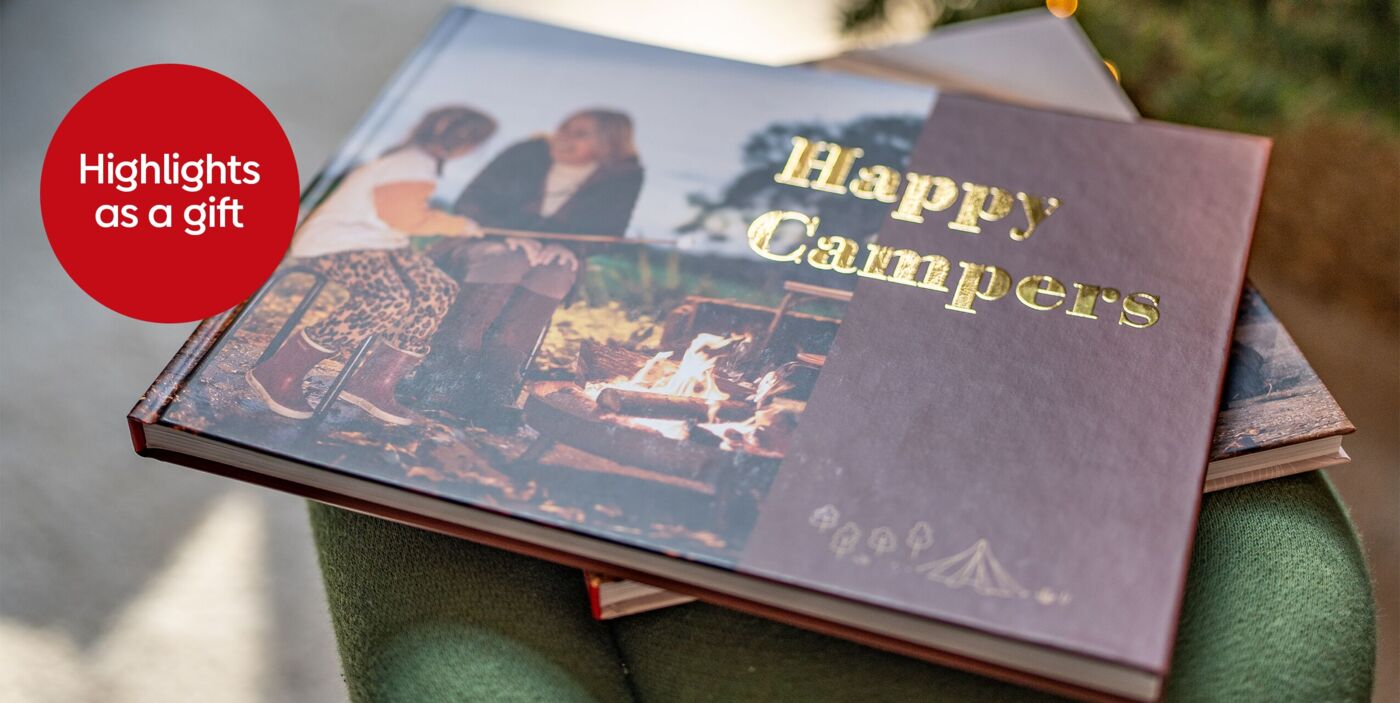
Large Portrait CEWE PHOTOBOOK
approx. 21 x 28 cm (near A4) | max. 202 pages
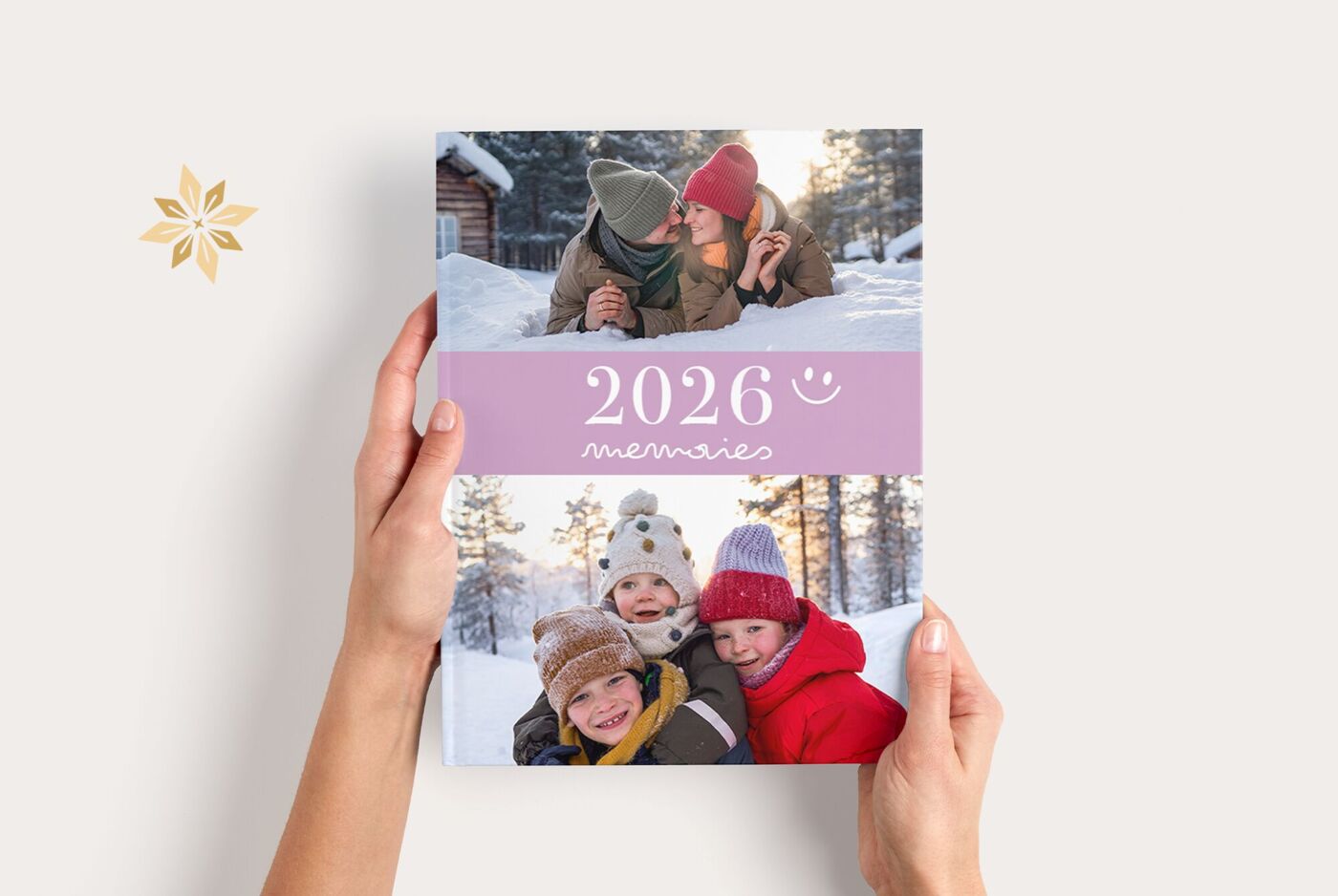
Large Landscape CEWE PHOTOBOOK
Approx. 28 x 21 cm (Near A4) I max. 202 pages
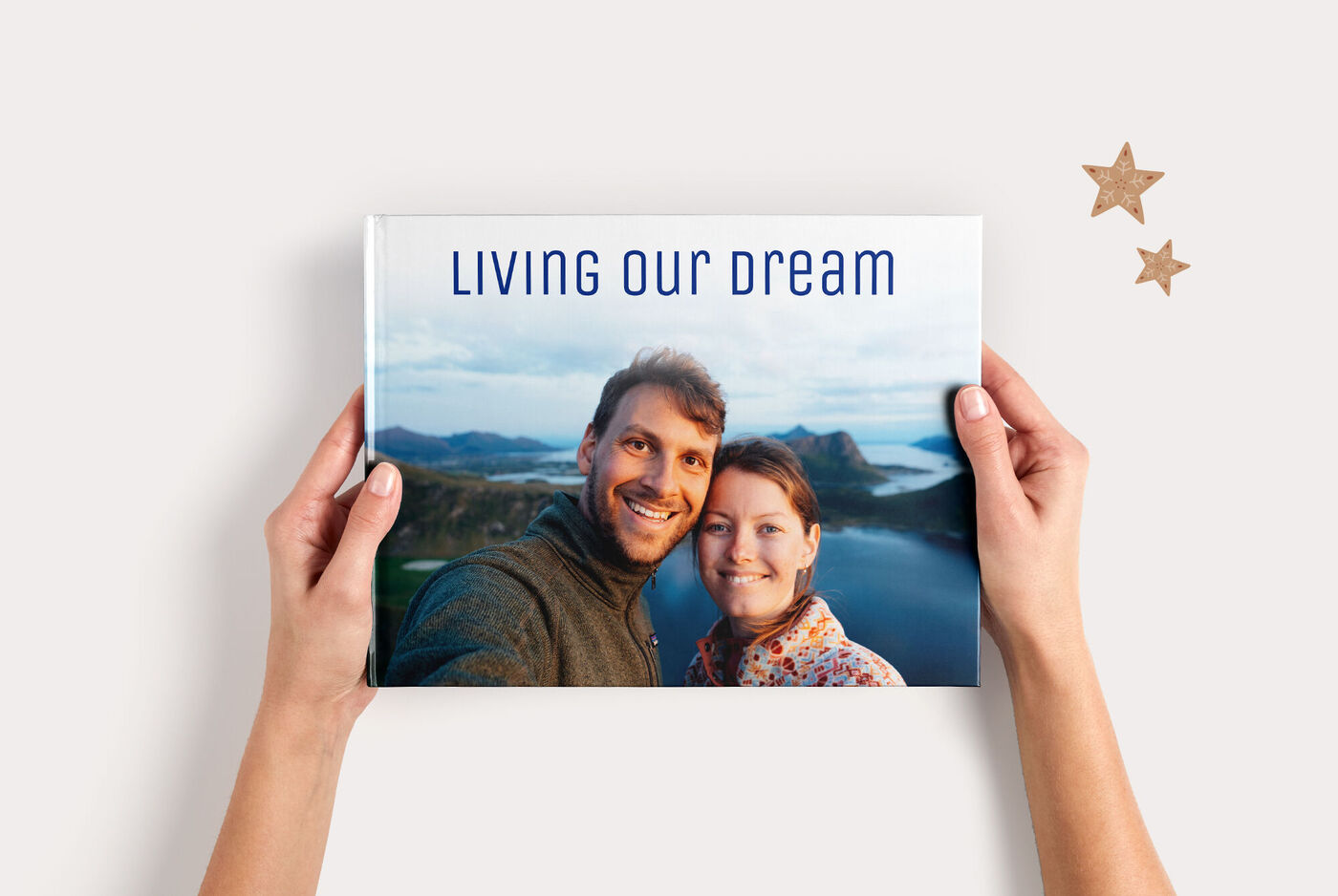
Square CEWE PHOTOBOOK
Approx. 21 x 21 cm I max. 202 pages
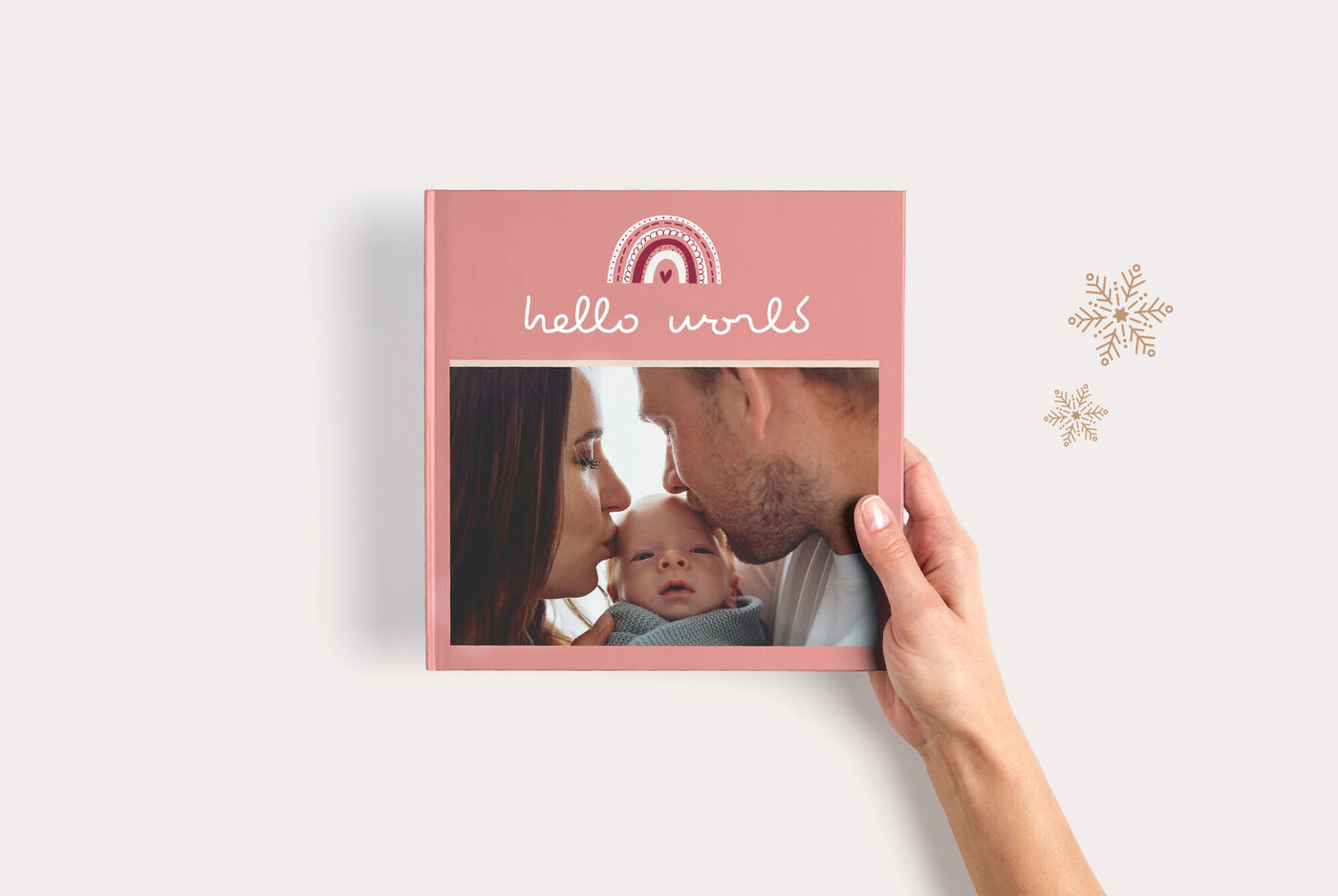
XL Square CEWE PHOTOBOOK
approx. 30 x 30 cm | max. 178 pages

CEWE PHOTOBOOK XXL Portrait
Approx. 28 x 36 cm (closed)

XXL Landscape CEWE PHOTOBOOK
Hardcover approx. 38 x 29 cm (closed) Leather approx. 42 x 30 cm (Near A3 closed)

Small Landscape CEWE PHOTOBOOK
Approx. 19 x 15 cm | max. 202 pages
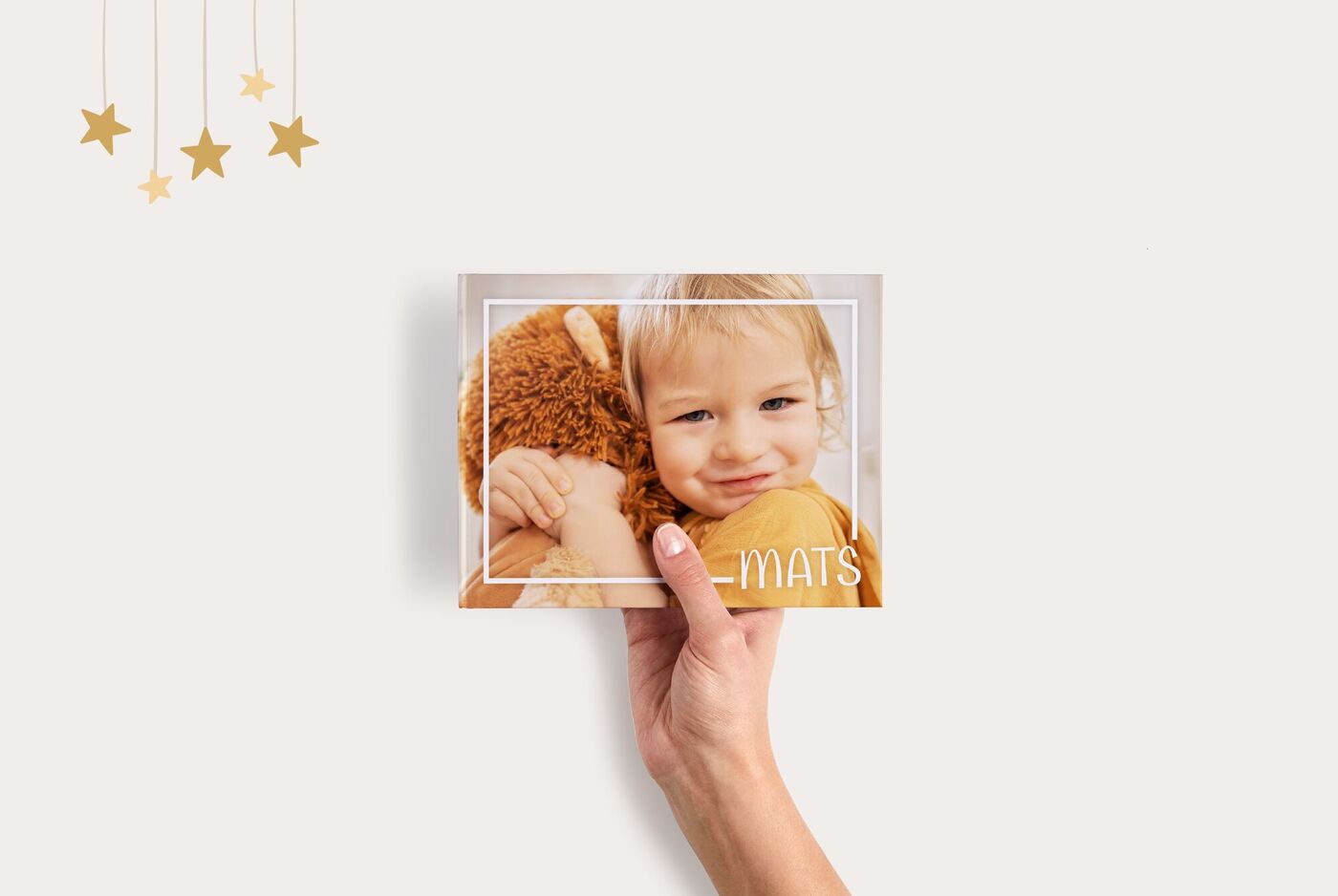
Small Square CEWE PHOTOBOOK
Approx. 15x15 cm I Max. 202 pages
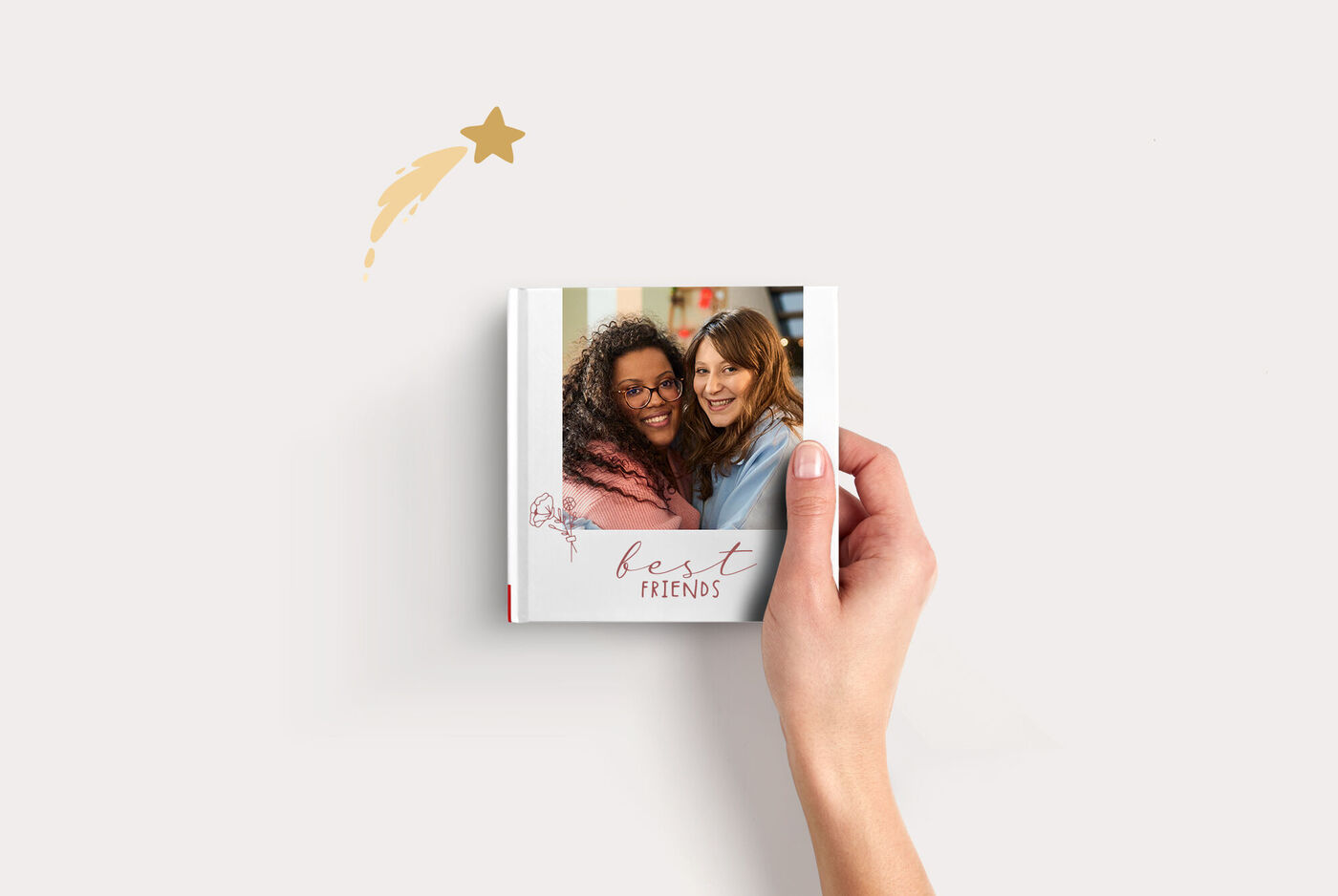
CEWE PHOTOBOOK Kids
Approx. 14 x 14 cm | 22 pages

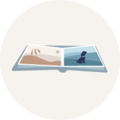
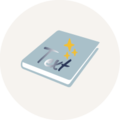

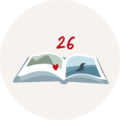
Options and finishes for a unique CEWE PHOTO BOOK
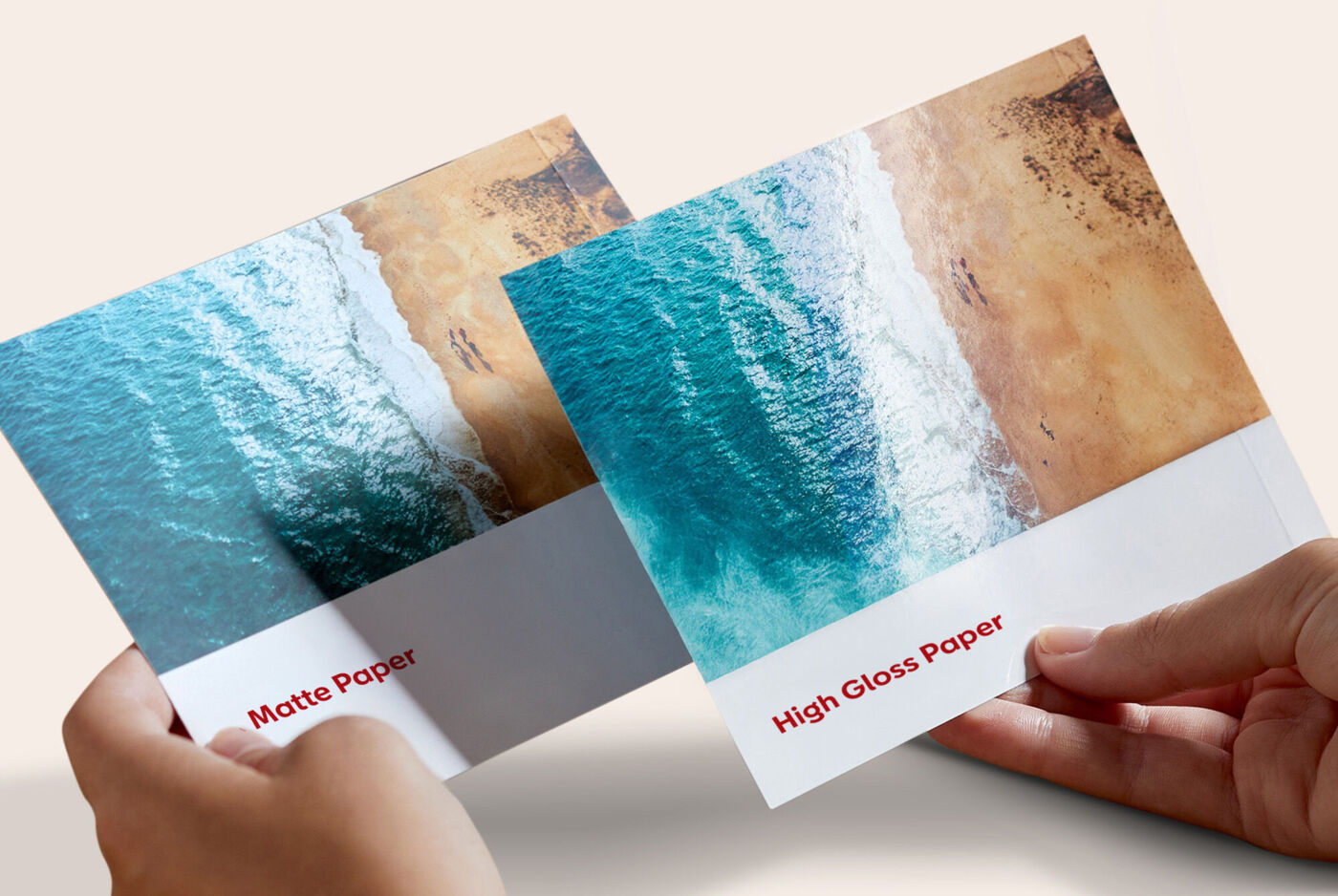
Types of paper
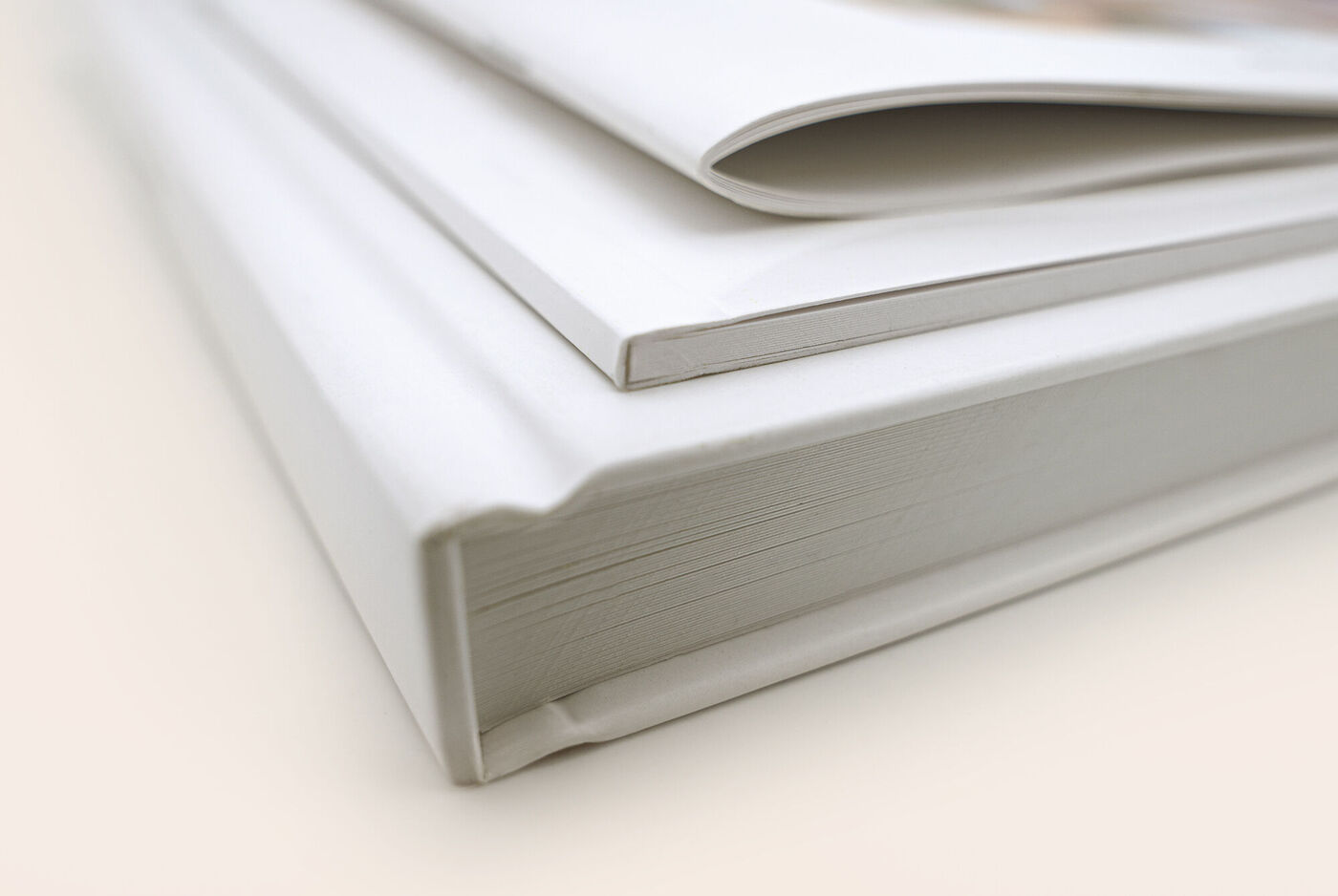
Create your CEWE PHOTO BOOK using the paper type that best suits your photos and style.
Cover types
Choose a softcover, hardcover, or notebook-style cover to give your CEWE PHOTO BOOK a unique look.
Additional options
Highlights, Memento Pockets, a coloured inside cover, and many other options that will turn your photo book into a true keepsake.
Off to a quick start
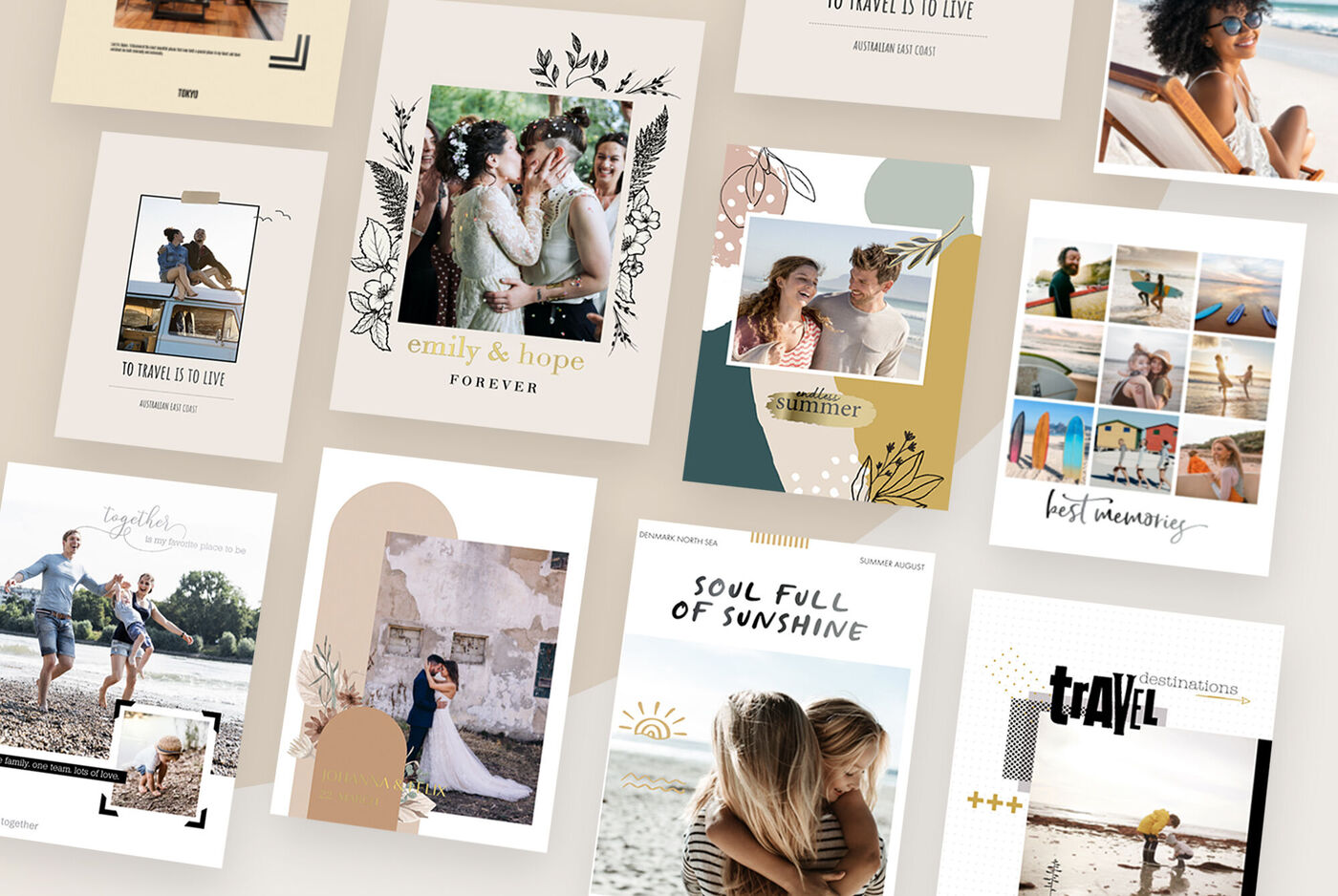
Let the photobook assistant do the legwork and choose from a wide selection of themed books. Here's how to create a complete photo book in just a few steps.
Ways to make your CEWE PHOTO BOOK unique
Highlights
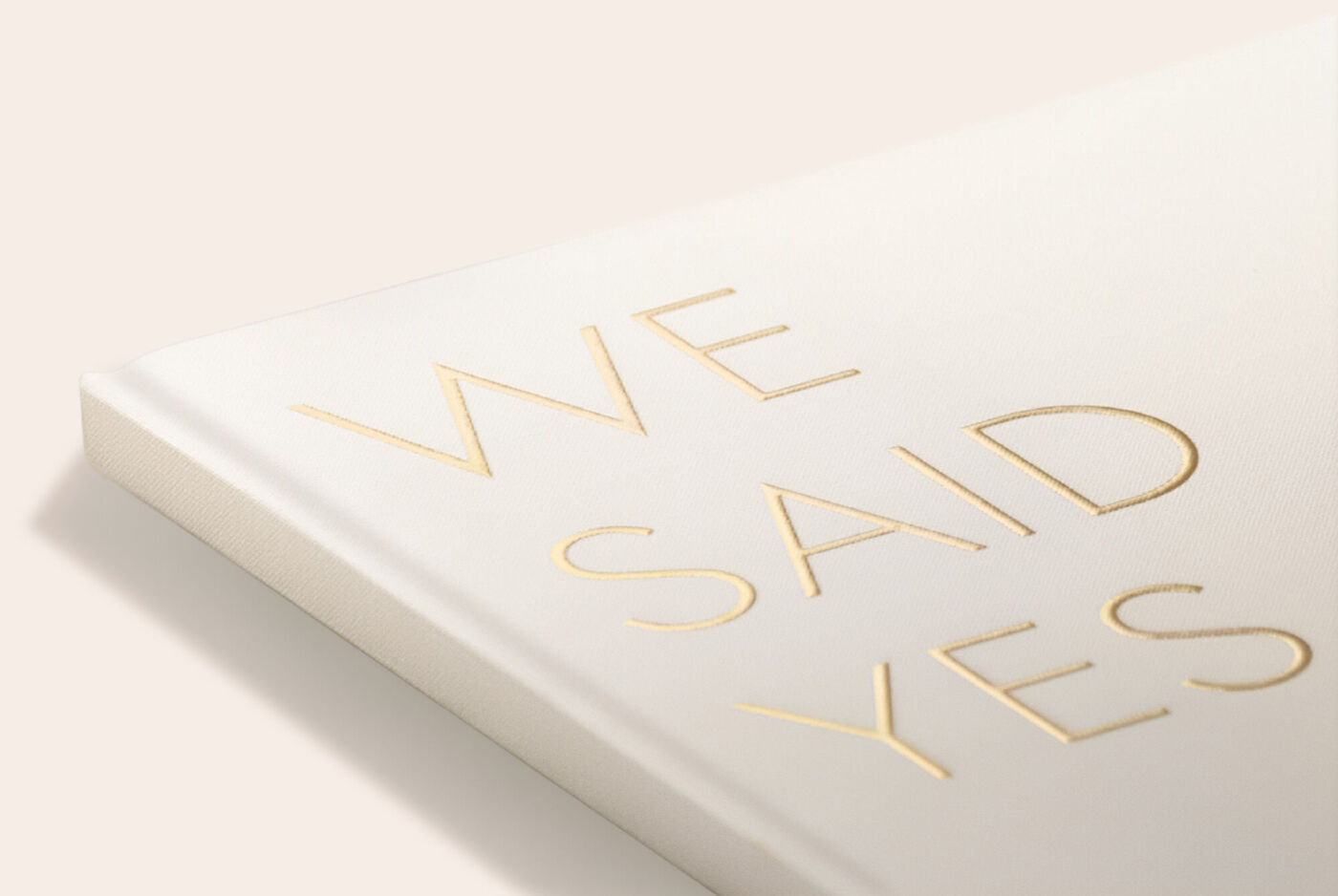
Make your book cover stand out with glossy embossed lettering on the title, names, or decorative accents.

Memento Pocket
Keep loose cards, tickets, or notes safe in a handy slip pocket at the back of your photo book.

Black and coloured inside cover
Choose a coloured inside cover to create a smooth transition between the cover and your photos. Available for photo books with photo paper.

Panoramic Pages
Spread large photos across four pages for maximum impact and a real "wow" effect.

Map
Mark your route on a map and see at a glance where you’ve been.

Slipcase
Protect your photo book with a customisable sleeve – perfect as a gift or for neat storage.

FAQs about our photo books
Why is CEWE the best place to design a photo book?
With our photo books, you can not only capture your most precious memories, but also really show them off. You choose the photos, the format, the style and the layouts yourself. This allows you to create a unique book for every special occasion, from holidays to weddings and births.
At CEWE Luxemburg, you also benefit from high quality, award-winning products and thousands of positive reviews. This means you can be sure of a professional photo album.
Can I create a photo book from my phone?
Yes, you can! With the free [CEWE App], you can quickly design an online photo album. You can also order the photo book from your phone. Simply select your photos from your gallery and design your book exactly as you wish.
Is it easy to create my photo book online?
Yes, you can easily create a photo book online using our editor. Choose your format, paper type and, if desired, a theme book, and then place your photos directly in an online photo album. This allows you to quickly and flexibly design an online photo book, save it and edit it later.
Can I create a photo book with text?
Certainly! Add text to any page. You decide the font, size, colour and position of the text. This allows you to give your favourite photo book a personal touch with captions, stories or titles.
How many pages can my CEWE PHOTO BOOK contain?
The number of pages depends on the type of photo book you choose. A CEWE PHOTO BOOK can usually contain a minimum of 26 pages and a maximum of 202 pages. For some formats, such as the XXL Landscape photo book, there is a maximum of 178 pages. Whilst designing in the software, the number of pages you can add is automatically displayed, ensuring you always stay within the limits of your chosen format.
What is the least expensive photo book that CEWE offers?
At CEWE you can create your own photo book at a low cost, starting from a small amount. There are various formats and [paper types][cp-cewe-photobooks:paper-qualities:test] available, allowing you to control the price yourself. Our smaller format books with standard paper and a soft cover or notebook cover are budget-friendly options. Consider our compact square format.
Keep an eye on our promotions. Sign up for [our newsletter][cp-service:newsletter] so you are always up to date with CEWE offers.
Can I add a map to my photo book?
Yes, with CEWE Software you can easily add maps and travel routes to your photo album. This can be a nice addition to, for example, a photo album full of holiday photos. You can look up locations yourself, customise the style and mark places with your own photos.
Can I create my photo albums automatically?
Yes, with the CEWE Photo Book Assistant, your photos are automatically placed in a photo album. At the start, you can choose whether you want to use this assistant or prefer to arrange everything yourself. You can always adjust and personalise the photo album afterwards. This can be done in our software, app and via our online editor.





The choice is yours
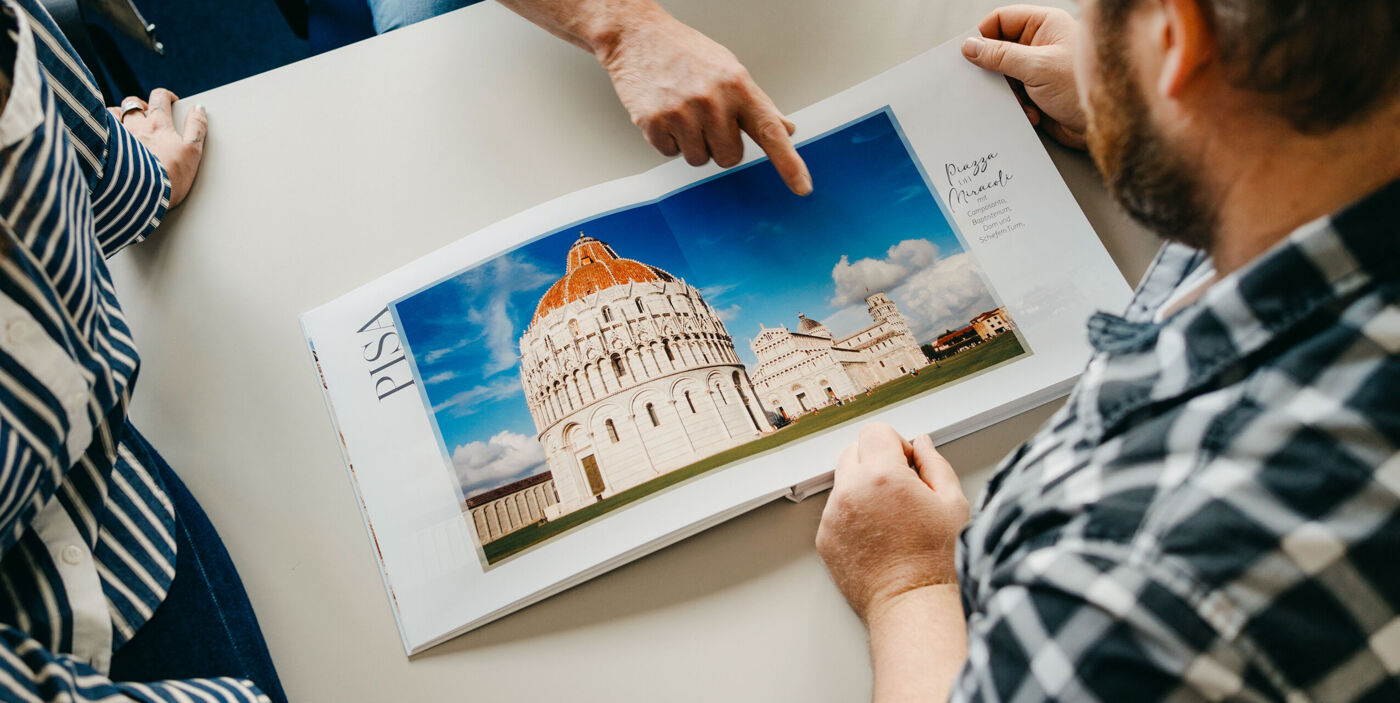
Simply choose the creation option that suits you best