Free delivery on Mother's Day gifts | Valid until 7 June 2026 | code: SHIP4MOM

Order status
Contact us
+352 27397723

Sign in with your credentials, or register for a new account
When you log out, all unsaved projects and your shopping cart will be deleted for security reasons.
A laptop shows a blank layout in front of a bright brick wall. A cactus and a cup stand on the table.

Turn a PDF into a Professionally Printed Photo Book


Turn a PDF into a Professionally Printed Photo Book
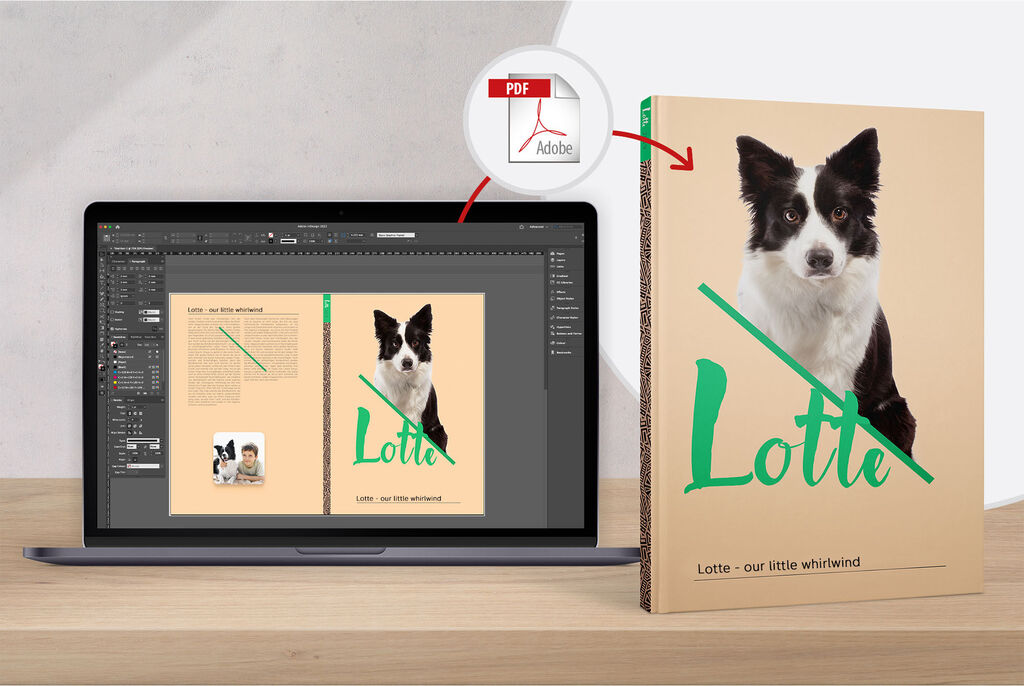
A laptop shows the design of a photo book featuring a dog and the title 'Lotte'.

Use Adobe® InDesign® To Create a Photo Album

Use Adobe® InDesign® to design and edit your photo book. We make it easy to then take your saved PDF and turn it into a beautifully printed photo book on a choice of photographic papers, in a range of formats and sizes.

For Macintosh and Windows

Our User Guide contains lots of useful information to get you started.
5 steps to create a photo album from a PDF

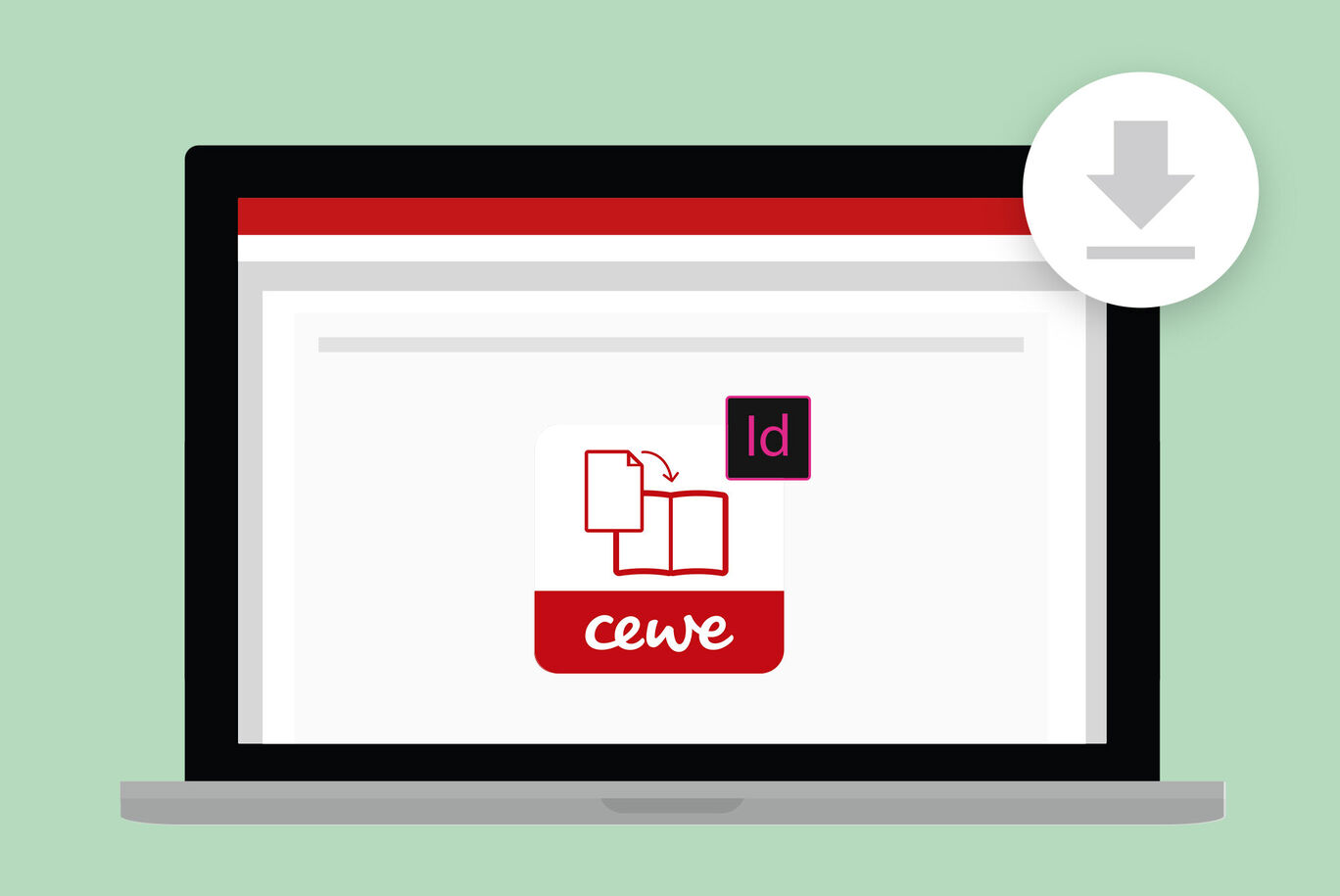
Laptop monitor displaying the CEWE design template, showing a download symbol.Laptop monitor displaying the CEWE design template, showing a download symbol.

1. Download the Windows CEWE PHOTOBOOK Template Generator for Adobe® InDesign® Our CEWE PHOTOBOOK Template Generator is free to download and easy to use.

Laptop monitor displaying the CEWE design template, showing a download symbol.Laptop monitor displaying the CEWE design template, showing a download symbol.

1. Download the free CEWE PHOTOBOOK template generator for Adobe® InDesign® now (Mac) Our CEWE PHOTOBOOK Template Generator is free to download and easy to use.

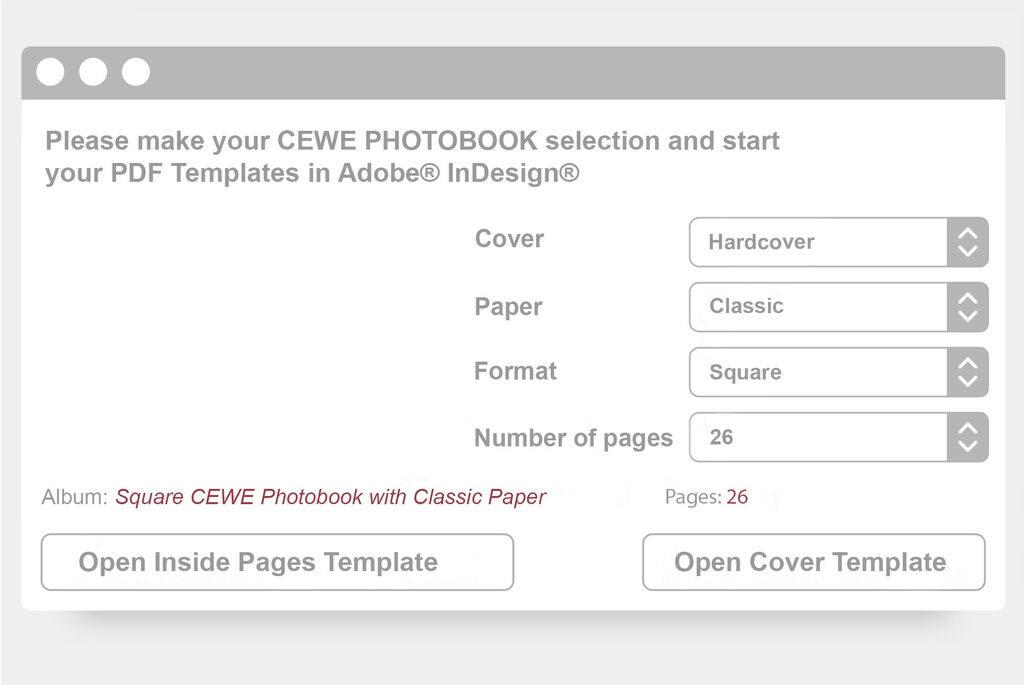
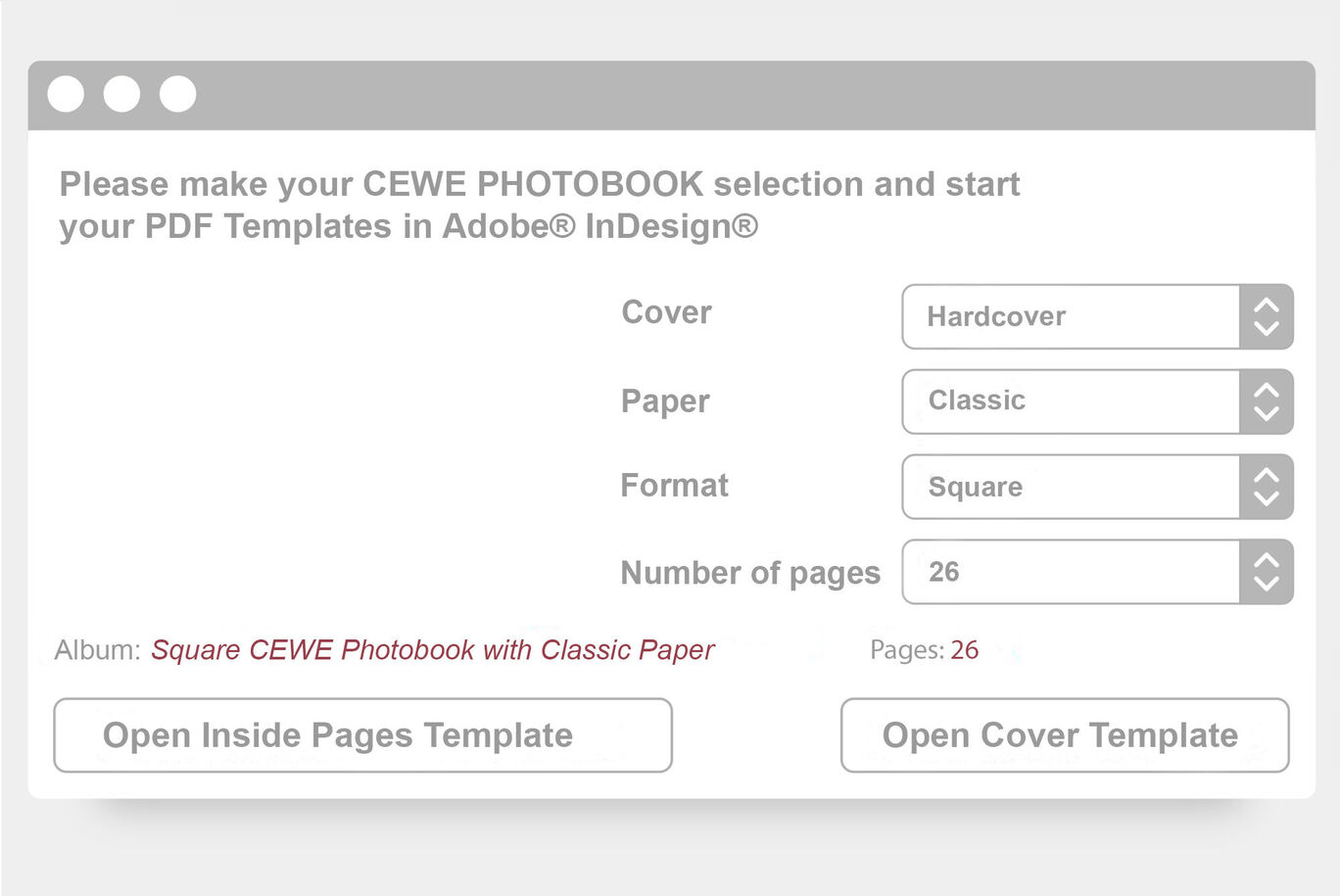
Selection mask for CEWE PHOTO BOOK with options for cover, paper, and page numberSelection mask for CEWE PHOTO BOOK with options for cover, paper, and page number

2. Open the Template Generator Open the Template Generator and select your preferred CEWE PHOTOBOOK options, such as size, format, and paper types before you get started.

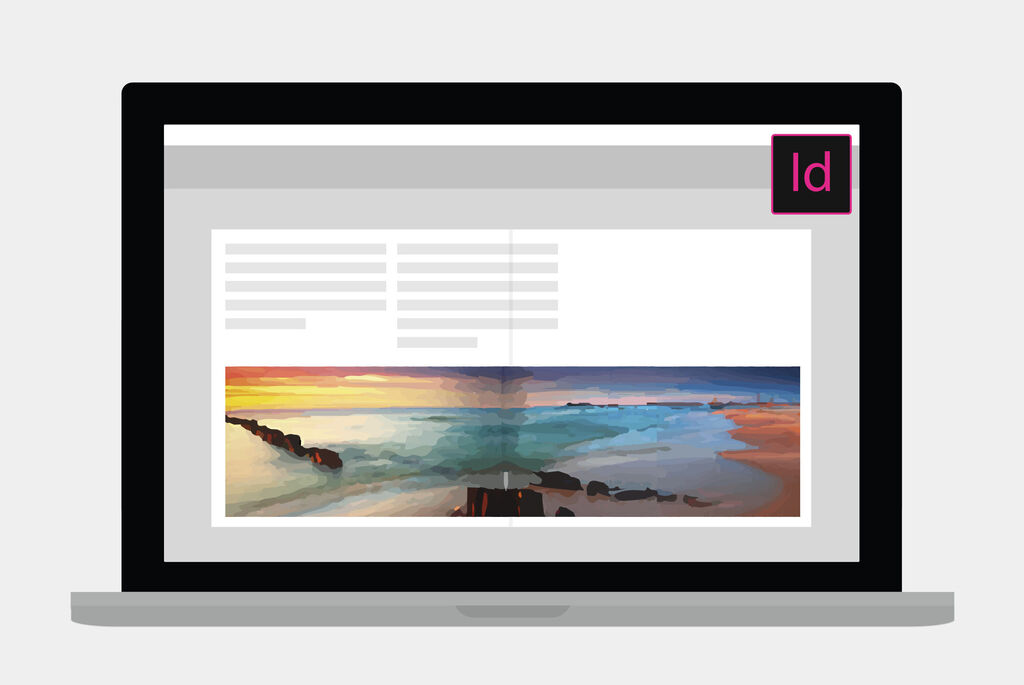
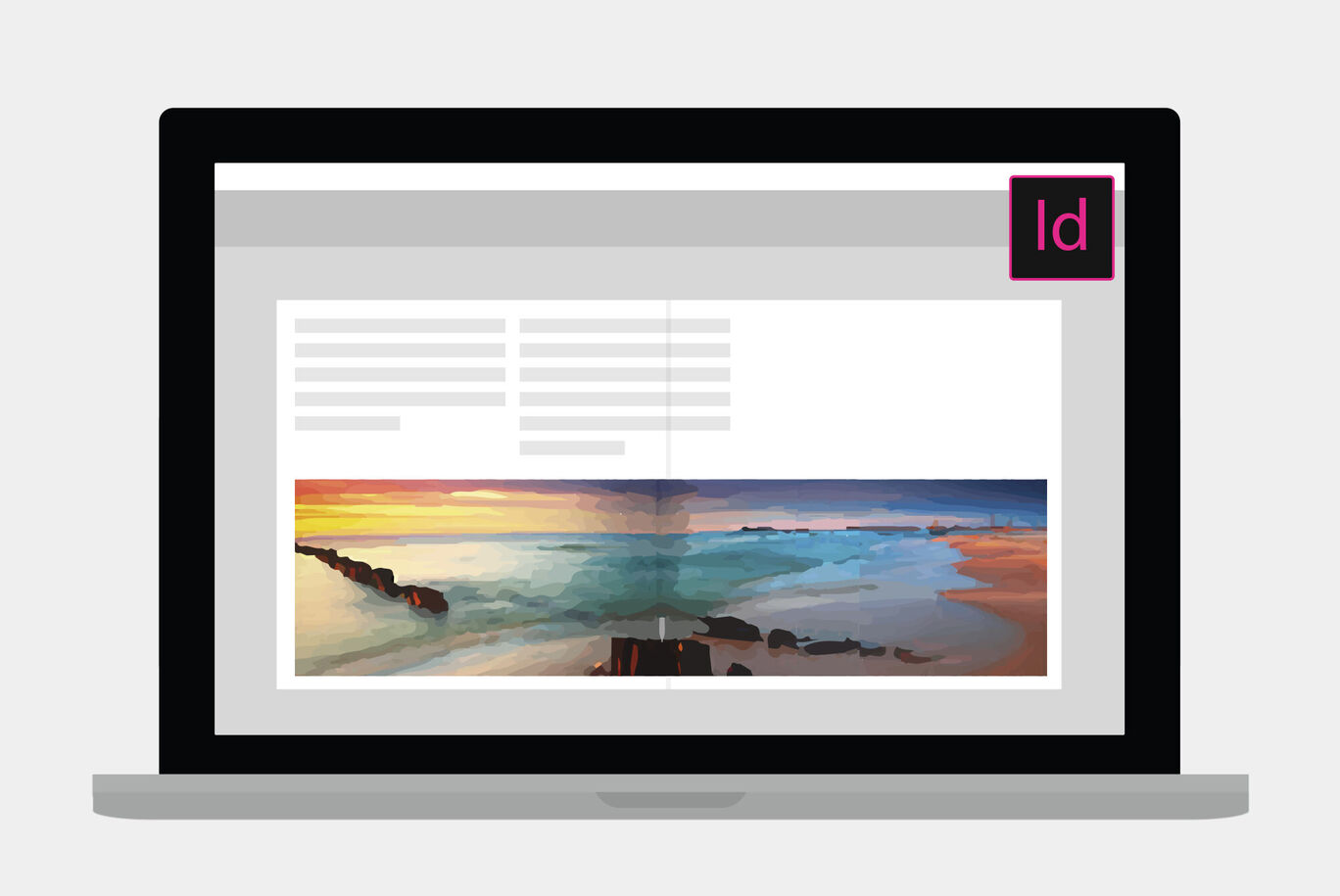
A laptop displays a creative layout view of a CEWE photo book with colorful travel motifs.A laptop displays a creative layout view of a CEWE photo book with colorful travel motifs.

3. Enjoy the Freedom to Design Use the Template Generator and Adobe® InDesign® together to ensure your finished CEWE PHOTOBOOK will be true to your design.

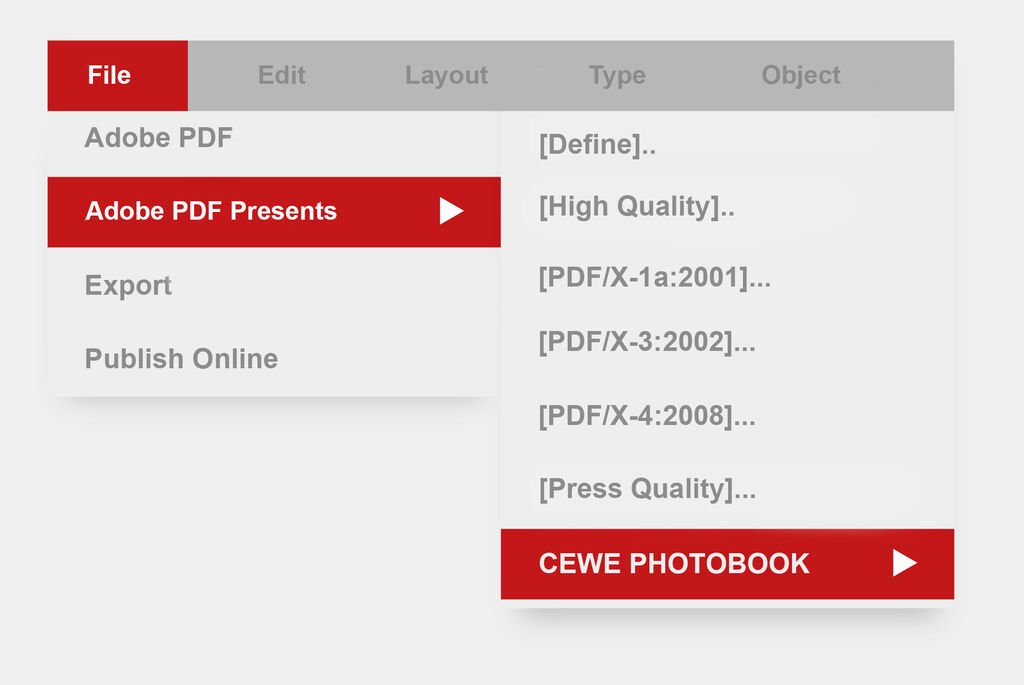
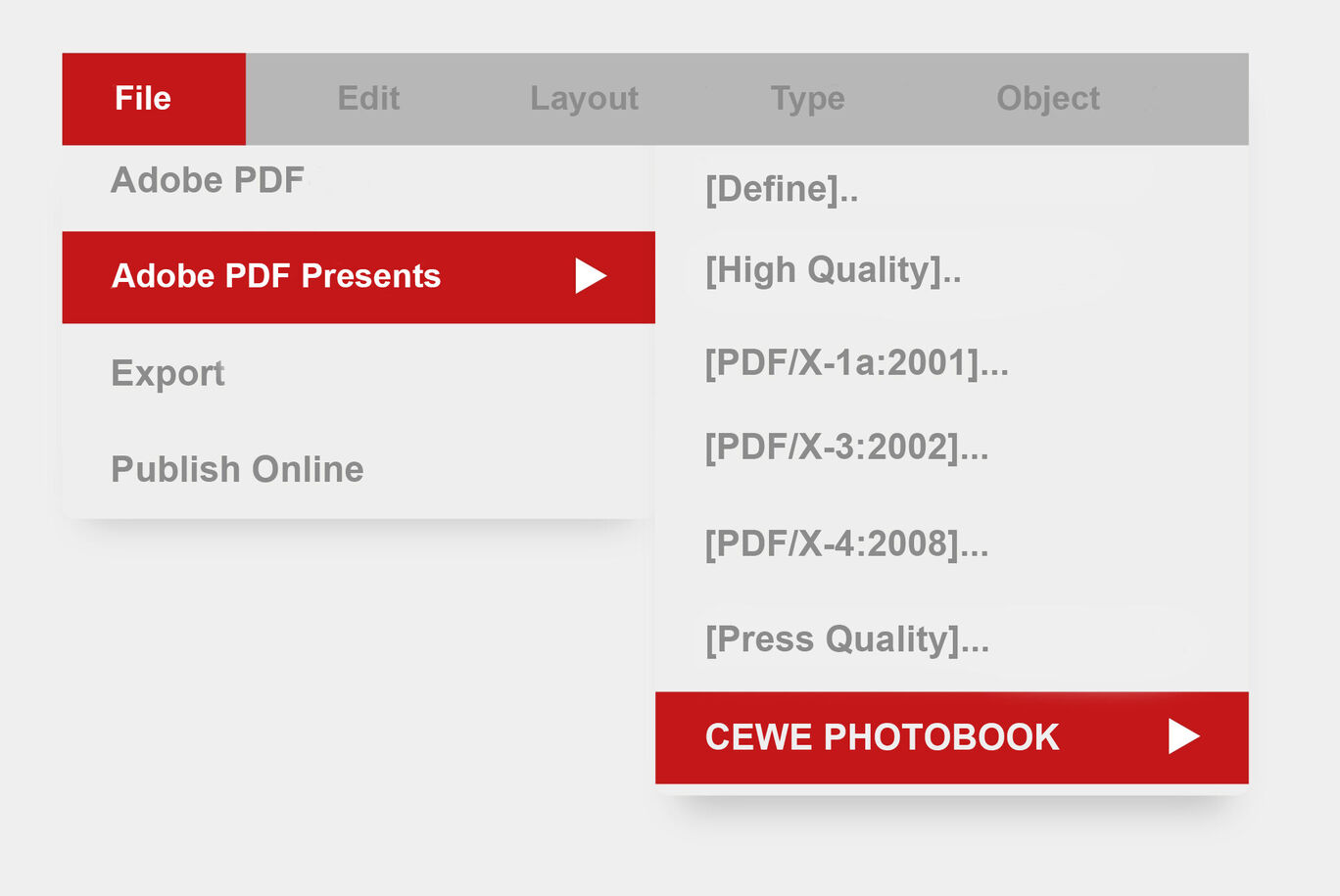
The menu shows options for creating a CEWE photo book.The menu shows options for creating a CEWE photo book.

4. Create A PDF Easily export all of your finished designs, including the cover and inside pages. For optimal results, use the export PDF specifications detailed in our user guide.

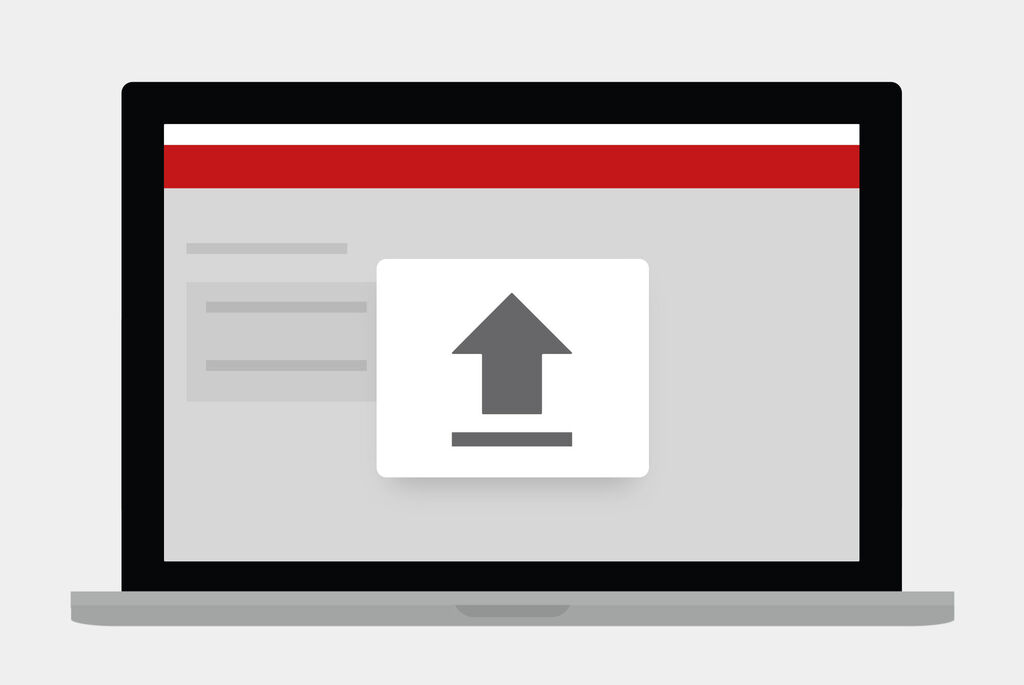
Laptop showing an upload symbol on a gray background.Laptop showing an upload symbol on a gray background.

5. Upload Your PDF Upload your PDF files to the Online Photo Book Builder. Your work will conveniently be converted, ready to print.